How to Fix Soulmask 1.0 Crashing on Startup: 2026 Guide
When Soulmask hit its full 1.0 release on April 10, 2026, I was genuinely hyped. The Early Access version already had a solid foundation, and the new systems—especially tribe automation—looked like the kind of depth survival fans dream about.
But instead of diving into the jungle, I spent my first hour staring at a crash report.
If you’re here, chances are you’re dealing with the same mess: startup crashes, black screens, or the dreaded LowLevelFatalError. I’ve been through all of it—and after testing pretty much every fix floating around forums and communities, here’s what actually works, explained like a real player would tell you.
First Things First: Don’t Skip the Basics
Yeah, I know—these feel obvious. But weirdly enough, they fix more issues than you’d expect.
- Restart your PC — not sleep, not hibernate, a full reboot
- Verify game files in Steam
- Make sure your system isn’t struggling (16GB RAM is basically the minimum now)
I ignored the restart at first. Big mistake. It literally fixed a corrupted data error for me on the second attempt.

The Real Culprit: GPU Drivers (Seriously)
If there’s one thing I learned, it’s this: Soulmask hates messy GPU drivers.
The game runs on Unreal Engine, and if your drivers are even slightly off, it crashes instantly.
| Step | What to Do | Why It Matters |
|---|---|---|
| 1 | Download latest drivers | Old drivers = instant crash |
| 2 | Choose Custom Install | Avoid leftover junk |
| 3 | Enable Clean Installation | Clears broken registry entries |
This isn’t optional. Updating drivers normally didn’t fix it for me—but a clean install did.
Soulmask Sky Ruins Exploration Guide 2026: Mastering Ancient Labyrinths & Legendary Loot
Fatal Errors & LowLevelFatalError (The Annoying Ones)
If your game crashes right after launch with one of these errors, it’s usually a hardware communication issue.
Disable Overclocking
Even mild overclocks can break Soulmask.
I had a small GPU overclock running via MSI Afterburner—nothing extreme—and the game still crashed. Resetting everything to stock fixed it immediately.
Force DirectX 11
DirectX 12 sounds great in theory, but in practice it’s not always stable here.
Go into Steam launch options and add: -dx11
After switching to DX11, my crashes dropped to zero.
The Hidden Problem: Old Mods Still Lurking
This one is sneaky.
Even if you unsubscribed from mods months ago, leftover files can still break the game.
- Go to your Soulmask installation folder
- Open: WS/Content/Paks
- Delete any suspicious .pak files
Then reset your local config by pressing Win + R, typing %localappdata%, and deleting the Soulmask (or WS) folder.
This step alone fixed launch crashes for a friend of mine who couldn’t even get to the main menu.
Missing Redistributables = Instant Crash
If the game doesn’t even show a splash screen, you might be missing required system libraries.
- Install the latest Visual C++ Redistributables
- Install DirectX End-User Runtimes
It’s boring, but essential. Soulmask 1.0 relies heavily on updated backend libraries.
Soulmask Airship Building Guide: Mastering the Weight vs. Lift Balance (2026)
Antivirus Blocking the Game (Yes, Really)
Modern antivirus software can be overprotective.
Soulmask’s main executable sometimes gets flagged because of its network-heavy mechanics.
- Add your entire Soulmask folder to antivirus exclusions
- Allow the game through Windows Firewall (both private and public)
I’ve seen cases where the game silently failed to launch because it was blocked in the background.
Black Screen on Launch? Try This
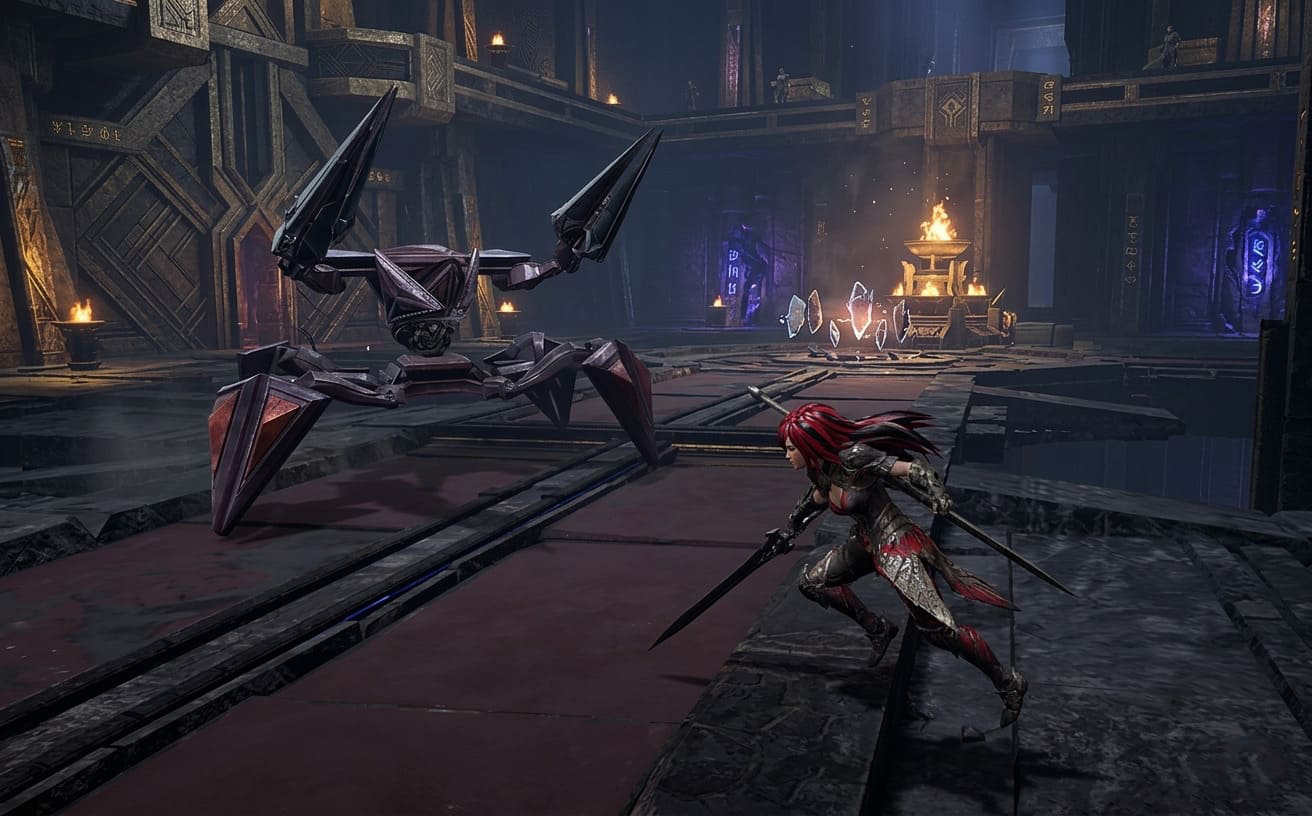
This one drove me insane.
The game would launch and then just sit there on a black screen with no error.
- Press Enter or Space repeatedly to skip the intro cinematic
- Launch in windowed mode using -windowed
For some reason, the game initializes more reliably in windowed mode first, and after that you can switch back to fullscreen.
My Honest Take After Fixing It
Once I finally got Soulmask running, it was absolutely worth the hassle. The world feels alive, the tribe mechanics are addictive, and the survival loop is deeper than most games in the genre right now.
But let’s be real—the launch was rough.
This is one of those games where technical stability hasn’t fully caught up with ambition yet. The developers are pushing frequent hotfixes, which is a good sign, but right now players still need to do a bit of manual troubleshooting.
If Nothing Works
At this point, there are two last-resort fixes.
- Reinstall the game (preferably on an SSD)
- Wait for the next patch
Running the game on an HDD can cause Unreal Engine to timeout during loading, which is still a problem even in 2026.
Final Thoughts
If your version of Soulmask 1.0 is crashing on startup, you’re not alone—and more importantly, it’s fixable.
The biggest breakthroughs for me were clean GPU driver installation, switching to DirectX 11, and removing leftover mod files.
Once those were done, the game went from completely unplayable to smooth and stable.
And honestly, when it works, it really works.