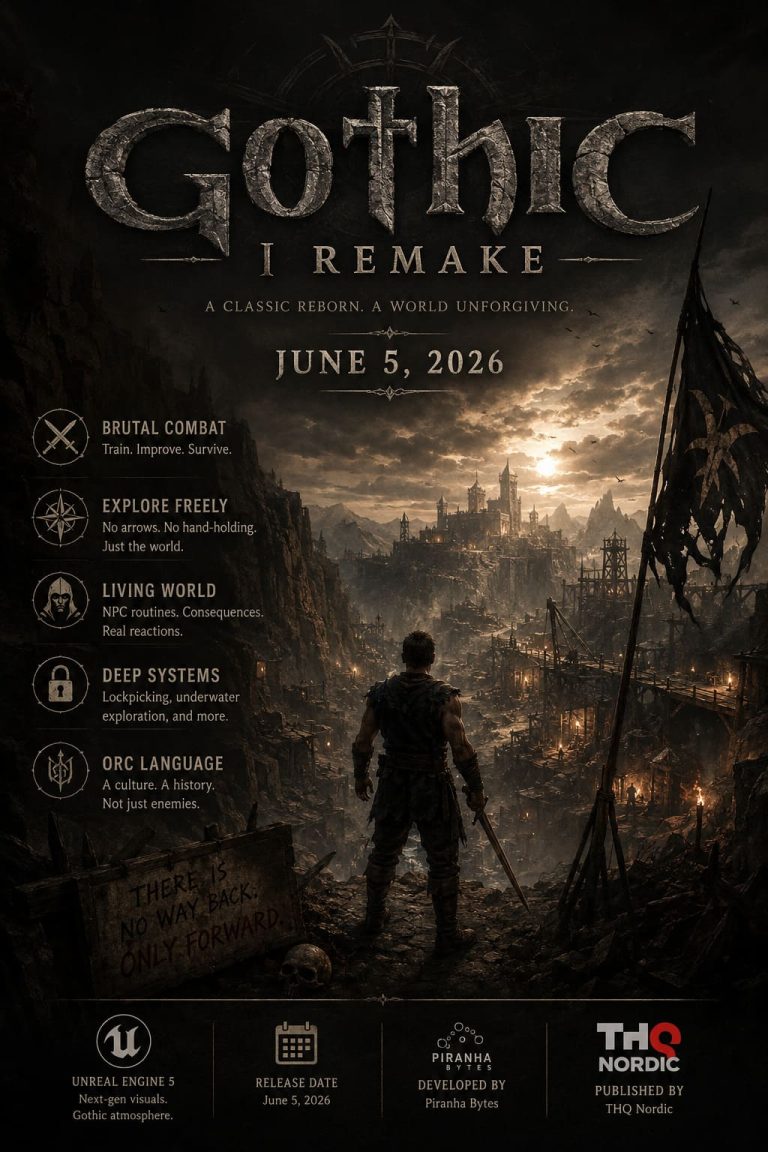
Gothic 1 Remake Unreal Engine 5 Performance Guide: PC Optimization, System Requirements, and Benchmarks (2026)
Few RPGs have the kind of legacy that Gothic carries. For many players, including myself, the original game wasn’t just another fantasy RPG—it was a harsh, unforgiving world that rewarded exploration and punished mistakes. That’s exactly why I was excited to jump into Gothic 1 Remake the moment it launched.
After spending several hours exploring the Valley of Mines and comparing community feedback from different hardware setups, one thing became immediately clear: this remake looks fantastic, but it can absolutely punish your PC if you’re not prepared.
Built on Unreal Engine 5, Gothic 1 Remake delivers some of the most impressive environmental detail we’ve seen in a modern RPG. Massive cliffs, dense forests, dynamic lighting, and highly detailed camps all help create an atmosphere that feels true to the original while looking entirely modern.
The downside? Unreal Engine 5 continues its trend of being extremely demanding, especially when developers fully embrace technologies like Nanite and Lumen.
Why Gothic 1 Remake Is So Demanding
Unlike many remasters that simply update textures and character models, Gothic 1 Remake was rebuilt from scratch.
The game relies heavily on several modern UE5 technologies:

- Nanite Virtualized Geometry
- Lumen Global Illumination
- Dynamic reflections
- Advanced environmental detail
- Large-scale NPC simulation systems
- Modern upscaling technologies
The result is a world that feels alive. NPCs follow daily schedules, camps remain active around the clock, and lighting reacts dynamically to the environment.
Unfortunately, all of that realism comes with a performance cost.
Even systems that comfortably run many modern AAA games can struggle when entering densely populated areas such as the Old Camp or locations packed with particle effects.
Official PC Requirements
Looking at the official specifications, it’s obvious that the developers are targeting modern gaming hardware.
| Component | Minimum | Recommended |
|---|---|---|
| Operating System | Windows 10/11 64-bit | Windows 10/11 64-bit |
| CPU | Intel i7-7700K / Ryzen 5 1600X | Intel i7-7700K / Ryzen 5 2600X |
| RAM | 16 GB | 32 GB |
| GPU | RTX 2070 / RX 6700 XT | RTX 3070 Ti, RTX 4070, RX 6800 XT |
| VRAM | 8 GB | 12 GB |
| Storage | SSD Required | NVMe SSD Recommended |
| DirectX | DX12 | DX12 |
The requirement that surprised many players wasn’t the GPU recommendation—it was the 32 GB RAM recommendation.
At first glance that sounds excessive. However, after spending time in the game, it’s easy to understand why. The world constantly tracks NPC behavior, environmental states, and large amounts of geometry data. Memory usage can climb quickly during longer play sessions.
Real-World Performance Results

Official requirements only tell part of the story. Community benchmarks provide a much clearer picture.
Mid-Range Systems
Hardware similar to:
- RTX 4070
- RX 7800 XT
At native 1440p with maximum settings, performance varies dramatically depending on location.
Open-world exploration often delivers:
- 75–95 FPS
Busy settlements and large camps frequently drop to:
- 35–45 FPS
The Old Camp in particular appears to be one of the most demanding areas currently available.
This means that even relatively powerful GPUs can experience major slowdowns when lots of NPCs and dynamic lighting effects are present.
High-End Systems
Hardware similar to:
- RTX 3090
- RTX 4080
- RTX 5090
At 4K resolution, things become even more interesting.
While these cards can push excellent frame rates in less demanding areas, fully maxed settings can still cause severe drops.
Some heavily populated scenes can push frame rates below 30 FPS, particularly when running native 4K without aggressive upscaling.
What surprised me most wasn’t the average FPS—it was the 1% lows. Those occasional drops are far more noticeable during gameplay than benchmark charts often suggest.
The game feels significantly smoother once upscaling and frame generation technologies are enabled.
The Best Settings for More FPS
If you’re looking for the best balance between visuals and performance, these are the options I would adjust first.

1. Enable DLSS or FSR Immediately
This is easily the biggest performance improvement available.
Recommended Setting:
- DLSS Quality
- FSR Quality
- Frame Generation ON (RTX 40 Series and newer)
In many situations, this can boost performance by 40% or more while maintaining excellent image quality.
Honestly, Gothic 1 Remake feels like a game that was designed with modern upscaling in mind.
2. Lower Global Illumination
Lumen lighting looks incredible.
It also destroys performance.
Moving Global Illumination from Ultra to High or Medium produces one of the largest FPS gains in the entire settings menu.
Recommended Setting:
- High
- Medium for older hardware
The visual difference is surprisingly small during actual gameplay.
3. Reduce Shadow Quality
Dynamic shadows generated by campfires, torches, and environmental lighting are expensive.
Recommended Setting:
- Medium
Medium shadows still look natural while providing a noticeable performance boost.
This is especially helpful inside camps and caves.
4. Avoid Maximum Foliage Settings
Dense vegetation is one of the biggest hidden performance killers.
Many players focus on shadows or textures while ignoring foliage density.
Recommended Setting:
- High
Avoid Ultra or Gothic presets unless you’re running top-tier hardware.
You’ll gain smoother traversal without sacrificing much visual quality.
5. Disable Motion Blur
This isn’t a major FPS optimization, but it improves image clarity significantly.
Recommended Setting:
- Motion Blur OFF
The game’s beautiful environmental detail deserves to be seen clearly rather than smeared during camera movement.
SSD vs NVMe: Does It Matter?
In my experience, yes.
An SSD should be considered mandatory.
The game streams large amounts of world data continuously, and traditional hard drives simply can’t keep up.
An NVMe drive won’t magically increase FPS, but it can help reduce:
- Asset streaming delays
- Texture loading issues
- Area transition stutters
- Pop-in effects
If you’re planning to play Gothic 1 Remake extensively, installing it on an NVMe drive is worth it.
Console Performance
Console players aren’t escaping the hardware demands either.
The current versions on PlayStation 5 and Xbox Series X prioritize image quality and world simulation over high frame rates.
The result is a locked 30 FPS experience using dynamic resolution scaling.
While some players may be disappointed by the lack of a dedicated 60 FPS mode, the decision makes sense once you see how much CPU power the game’s AI systems and lighting technologies consume.
Is Gothic 1 Remake Actually Optimized?
This is probably the biggest question surrounding the game.
After playing it myself and comparing reports from other players, my answer is somewhat unusual:
Yes, but it’s also incredibly demanding.
There’s a difference between poor optimization and ambitious technology.
Unlike some early Unreal Engine 5 releases, Gothic 1 Remake generally avoids the severe shader-compilation stutters that have become infamous in recent years.
Instead, the game simply asks a lot from modern hardware.
Nanite, Lumen, advanced NPC simulation, and dense world detail all contribute to the load.
Could performance improve through future patches?
Absolutely.
But the current state of the game feels more like a genuinely next-generation RPG than a broken PC port.
Gothic 1 Remake Best Camp to Join: Full Faction Guide & Meta Analysis
Final Verdict
Gothic 1 Remake successfully captures the atmosphere that made the original such a cult classic while delivering one of the most visually impressive RPG worlds of 2026.
The tradeoff is performance. Even powerful gaming PCs will need to make smart use of DLSS, FSR, and optimized graphics settings to maintain consistently smooth gameplay.
My recommendation is simple: enable upscaling, reduce Lumen quality slightly, keep shadows on Medium, and avoid the temptation to max every setting.
Do that, and you’ll get a much smoother experience while still enjoying one of the most immersive versions of the Valley of Mines ever created.
For longtime Gothic fans, the journey back into the Colony is absolutely worth the hardware investment.