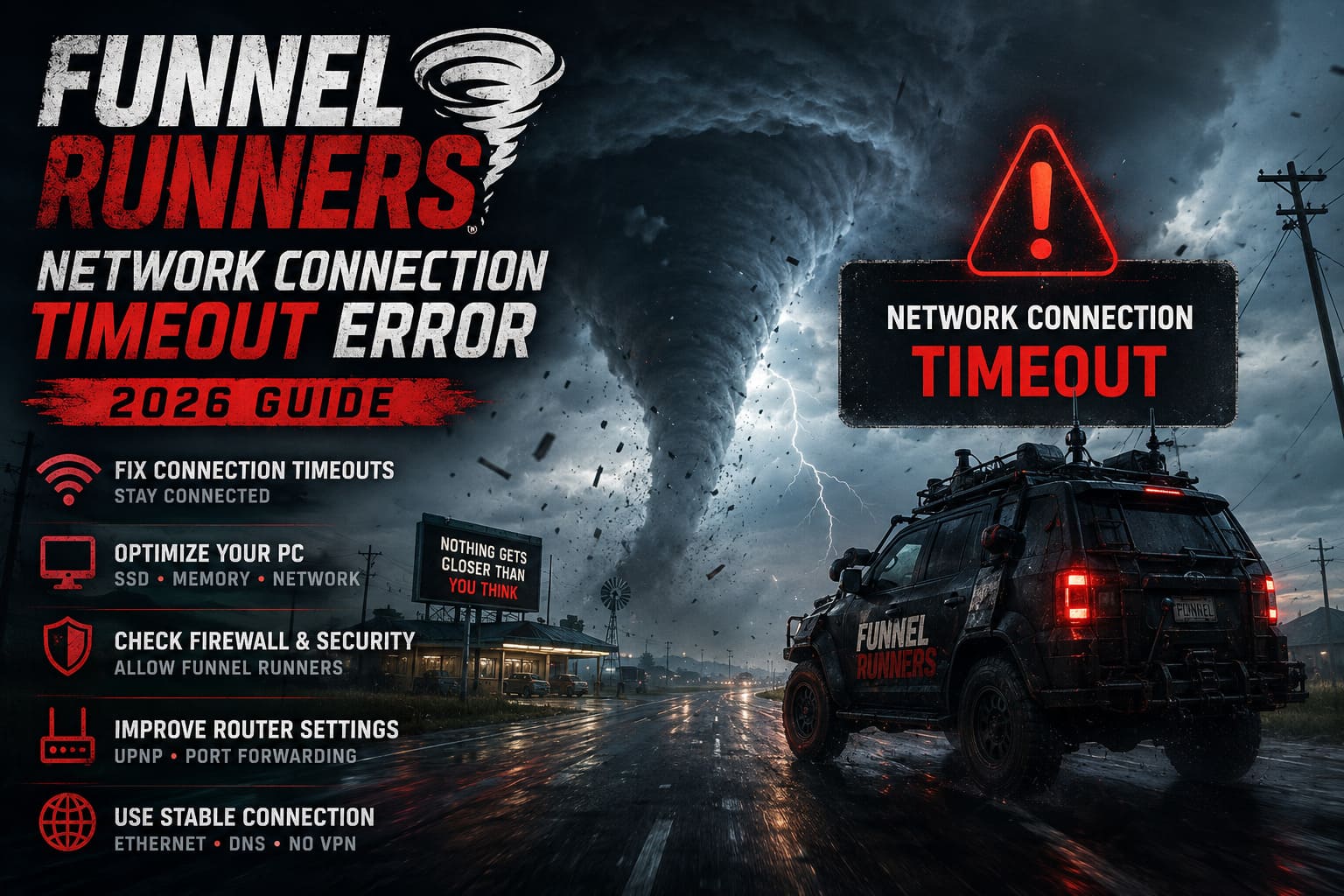
How to Fix Funnel Runners Network Connection Timeout Error (2026 Guide)
When I first jumped into Funnel Runners, I expected tornadoes to be the biggest threat—not getting kicked back to the main menu every other match because of a Network Connection Timeout error.
After spending several evenings testing different fixes, digging through community discussions, and experimenting with Windows networking settings, I realized something important: this error usually isn’t caused by a single problem. Instead, it’s often a combination of small issues that add up until the game eventually gives up waiting for your client.
Unlike many multiplayer games, Funnel Runners constantly synchronizes player positions, weather systems, physics calculations, destructible buildings, and hundreds of interactive objects. That means even a brief interruption—whether it’s slow storage, packet loss, or Windows blocking traffic—can end your session instantly.
If you’ve been struggling with disconnects, these are the methods that actually made a difference for me.
Why Funnel Runners Is So Sensitive to Network Problems
One thing I noticed almost immediately is that Funnel Runners behaves differently from traditional shooters.
The game isn’t simply updating player positions. Every collapsing building, flying vehicle, debris field, tornado movement, and environmental interaction has to remain synchronized across everyone in the lobby.
Because of that, the game expects your PC to respond quickly.
If your system pauses while loading textures, your internet briefly loses packets, or Windows delays network communication, the server may assume you’ve disconnected—even if your internet itself never went offline.
The most common causes include:
- Overloaded matchmaking servers
- Unstable Wi-Fi connections
- Windows Firewall restrictions
- Outdated DNS information
- Slow HDD installations
- Insufficient available RAM
- Corrupted network configuration
The good news is that nearly all of these can be improved.
My Biggest Improvement Came From Local PC Tweaks
At first I blamed the game’s servers.
Later I realized most of my disconnects happened during loading screens or shortly after joining friends.
That pointed toward my own PC rather than the servers.
After moving the game to my SSD and clearing some background programs, disconnects became noticeably less frequent.
It’s surprising how often loading delays can look like network problems.
Extend the Connection Timeout Limits
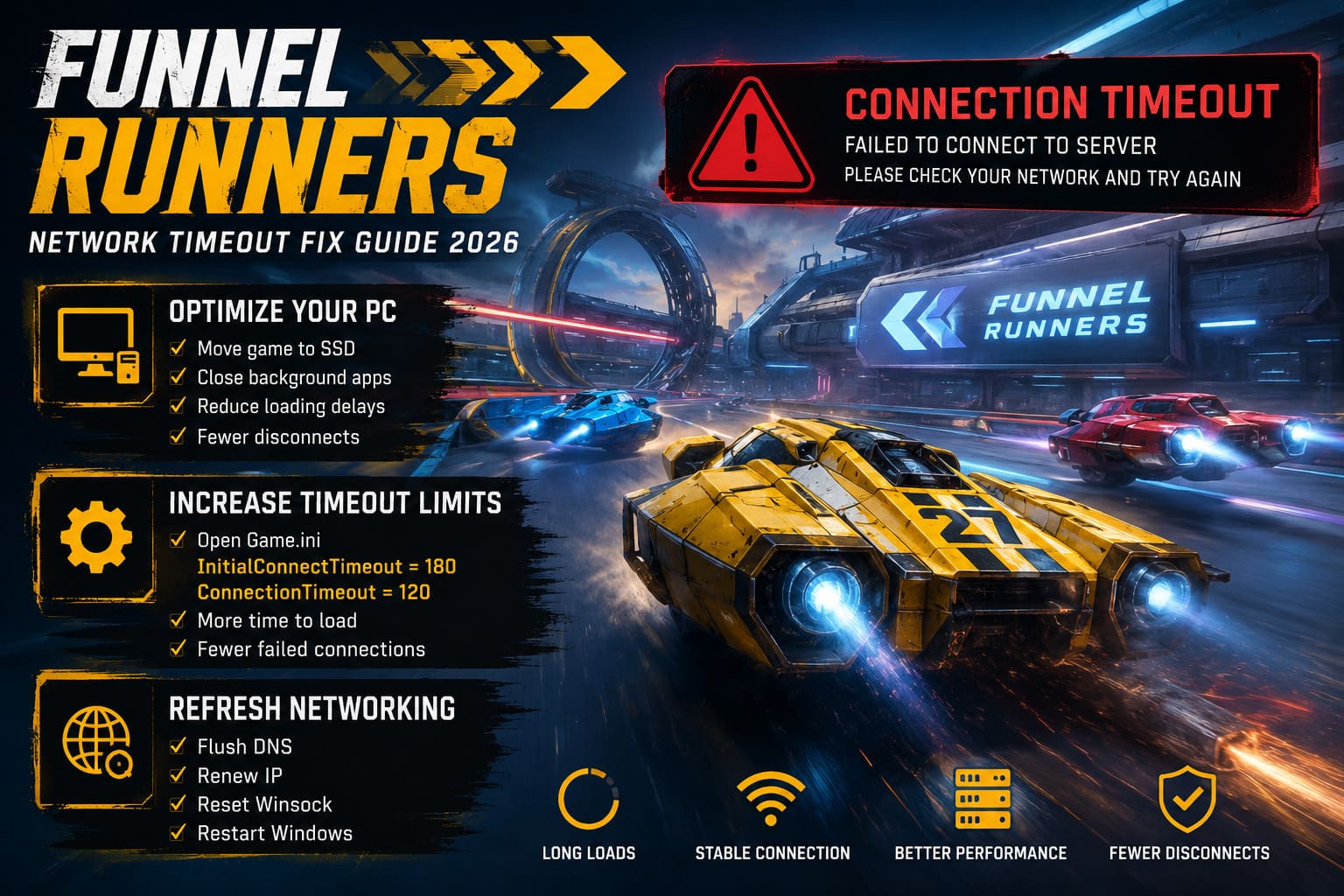
One of the most useful tweaks is increasing how long the game waits before deciding you’ve disconnected.
Games that stream large amounts of physics data occasionally need more than the default timeout allows.
If Funnel Runners created configuration files inside your LocalAppData folder, you can increase the timeout values manually.
Look for the game’s configuration directory and open the Game.ini file.
Add values similar to:
- InitialConnectTimeout = 180
- ConnectionTimeout = 120
If an Engine.ini file exists, applying the same timeout values there can also help.
This gives the game additional time to finish loading assets before disconnecting your client.
I wouldn’t call this a guaranteed fix, but for longer loading screens it definitely reduced failed connections on my system.
Refresh Windows Networking
Windows networking can become surprisingly messy over time.
Cached DNS records, old routing information, and Winsock problems occasionally interfere with newer multiplayer games.
Whenever I encounter random online issues across several games, I usually refresh the network stack before trying anything more complicated.
Running these commands from an elevated Command Prompt is worth trying:
- Flush DNS cache
- Renew your IP address
- Reset Winsock
Afterward, restart Windows before launching Funnel Runners again.
It only takes a few minutes but often eliminates strange networking behavior.
Make Sure Windows Isn’t Blocking the Game
Windows Defender is much better than it used to be, but it still occasionally treats newer multiplayer games cautiously.
If Funnel Runners hasn’t been fully allowed through the firewall, packets may be blocked unexpectedly.
Check that the game’s executable has permission on both:
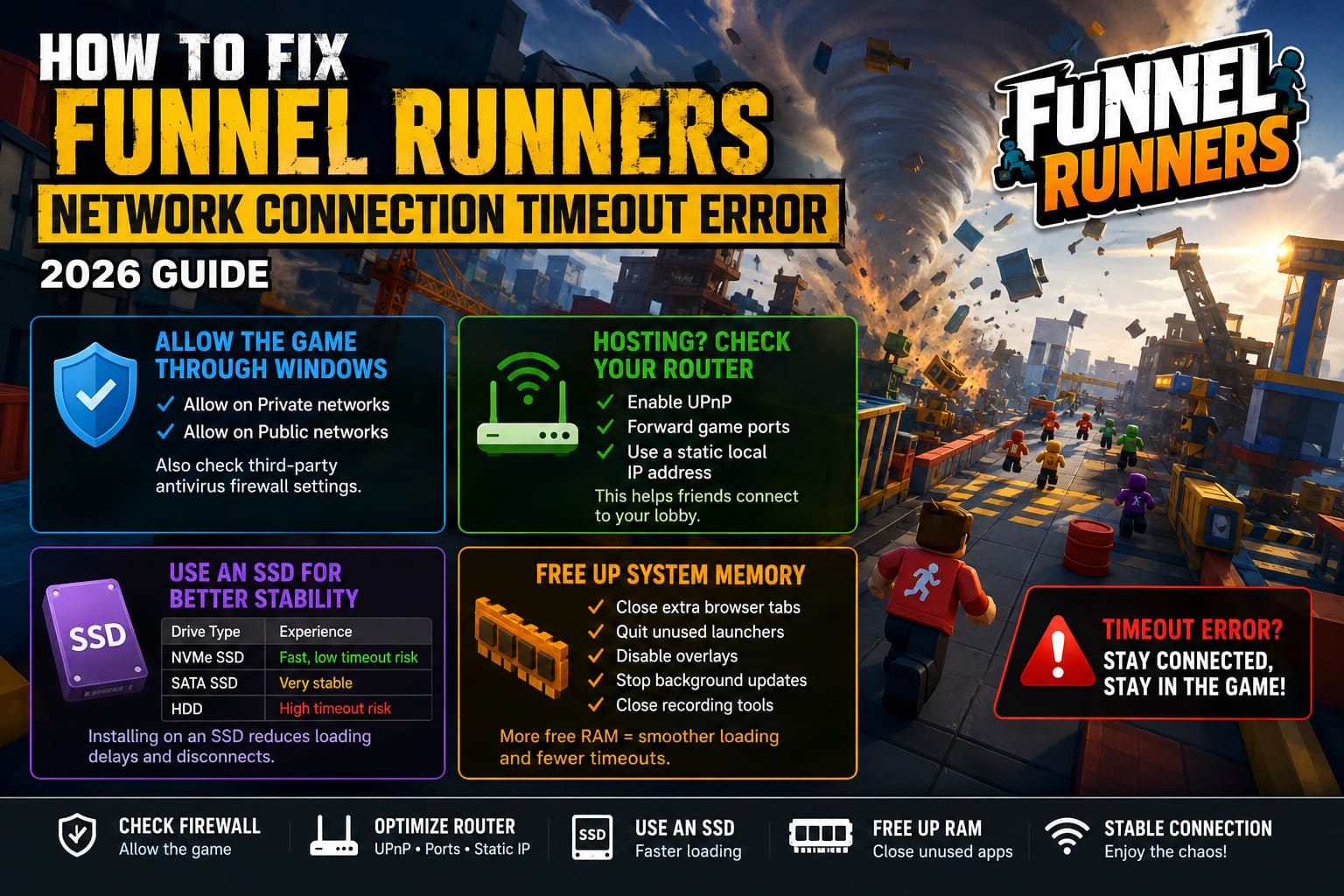
- Private networks
- Public networks
If you use a third-party antivirus with its own firewall, double-check those settings as well.
I’ve seen security software quietly interrupt online games without displaying any warning message.
Hosting Friends? Router Settings Matter
If you’re usually the player hosting co-op sessions, router configuration becomes much more important.
Friends timing out while joining your lobby may indicate that incoming traffic isn’t reaching your PC correctly.
Things worth checking include:
- Enabling UPnP
- Forwarding the recommended game ports
- Assigning your gaming PC a static local IP address
These changes won’t help everyone, but hosts generally benefit much more than regular players.
SSD Performance Can Affect Network Stability
This was probably the biggest surprise for me.
Most people assume connection timeouts only involve internet speed.
In Funnel Runners, storage speed can indirectly create the exact same result.
When massive destruction events occur, the game rapidly streams assets from storage into memory.
If those assets arrive too slowly because the game is installed on an older hard drive, your client may stop responding long enough for the server to disconnect you.
SSD vs HDD
| Installation | Expected Experience |
|---|---|
| Modern NVMe SSD | Fast loading, fewer timeout risks |
| SATA SSD | Very good overall stability |
| Traditional HDD | Longer loading, increased chance of disconnects |
If you’re still running the game from an HDD, moving it to an SSD is one of the first upgrades I’d recommend.
Free Up System Memory
Another issue I discovered involved RAM usage.
Browsers, launchers, RGB software, overlays, Discord, recording tools, and dozens of background applications quietly consume memory.
Once Windows begins relying heavily on virtual memory, game loading becomes slower.
Before starting Funnel Runners I usually close:
- Unnecessary browser tabs
- Video editors
- Unused launchers
- Hardware monitoring tools
- Software updating in the background
It sounds basic, but it noticeably reduced loading delays.
Consider Your Virtual Memory Settings
If your PC has 16 GB of RAM, Windows may occasionally depend on its pagefile during intense gameplay.
Make sure virtual memory is located on your fastest SSD instead of an older hard drive.
This won’t increase FPS directly, but it can reduce stalls during heavy asset streaming.
Wi-Fi Isn’t Always the Problem… Until It Is
Many players say:
“My internet is fast.”
Fast download speed doesn’t necessarily mean stable multiplayer performance.
Online games care far more about consistency than raw bandwidth.
Even tiny packet losses that go unnoticed while watching YouTube can immediately disconnect you from Funnel Runners.
Whenever possible, use:
- Wired Ethernet
- A reliable router
- Minimal wireless interference
Since switching to Ethernet, I almost never experience random packet spikes anymore.
Try Different DNS Servers
ISP DNS servers aren’t always the fastest choice.
Changing to a well-known public DNS provider won’t magically lower your ping, but it can improve connection reliability and reduce occasional lookup delays.
Popular choices include:
- Google Public DNS
- Cloudflare DNS
Changing DNS only takes a few minutes and is completely reversible if you notice no improvement.
Disconnect Your VPN
VPNs can be useful in certain situations, but they also introduce another routing layer between your PC and the game server.
That extra hop increases latency and occasionally causes routing inconsistencies.
Whenever I’m troubleshooting online games, disabling the VPN is one of my first tests.
If disconnects disappear afterward, you’ve probably found the culprit.
How to Fix Funnel Runners Voice Chat Not Working Bug (2026 Proximity Chat Guide)
What Helped Me the Most
| Solution | Result |
|---|---|
| Moving the game to an SSD | Huge improvement |
| Closing memory-heavy applications | Noticeable improvement |
| Resetting Windows networking | Moderate improvement |
| Ethernet instead of Wi-Fi | Major stability gain |
| Increasing timeout values | Helped during loading screens |
| Checking firewall permissions | Prevented random disconnects |
No single solution completely fixed every issue by itself.
Instead, combining several smaller optimizations produced a much more stable experience.
Funnel Runners Solo Player Guide: Master the Storm and Escape the F5 Tornado Alone
Final Thoughts
Network timeout errors in Funnel Runners can be incredibly frustrating because they often appear to be server problems when they’re actually caused by your own system struggling to keep up with the game’s demanding synchronization.
From my experience, I’d start with the simple fixes before diving into advanced configuration changes. Verify the game is installed on an SSD, reboot your networking stack, close unnecessary background applications, check your firewall permissions, and, if possible, switch from Wi-Fi to a wired Ethernet connection. Only after those steps would I begin editing configuration files or adjusting router settings.
The game pushes an enormous amount of real-time physics data between every player, so stability matters just as much as internet speed. Once I treated it like a performance problem rather than purely a networking problem, the disconnects became far less frequent, and co-op sessions finally felt reliable enough to enjoy without constantly worrying about another timeout.