Blossom: The Seed of Life Beginner’s Guide and Walkthrough 2026: Master Terraforming on Mars
When I first launched Blossom: The Seed of Life, I expected another typical survival crafting game. Instead, what I got was something calmer, more thoughtful, and honestly refreshing. Rather than fighting enemies or conquering territory, the game asks you to heal a dead planet.
Released on March 9, 2026 by Pebbledust Games, the game drops you onto a lifeless version of Mars as a small robot whose mission is simple in theory: bring life back to the Red Planet. In practice, though, terraforming takes planning, patience, and smart resource management.
Here’s what I learned during my first hours exploring and rebuilding this dusty world.
Why Blossom Feels Different From Other Survival Games
Most survival games revolve around combat or endless resource grinding. Blossom: The Seed of Life goes in another direction.
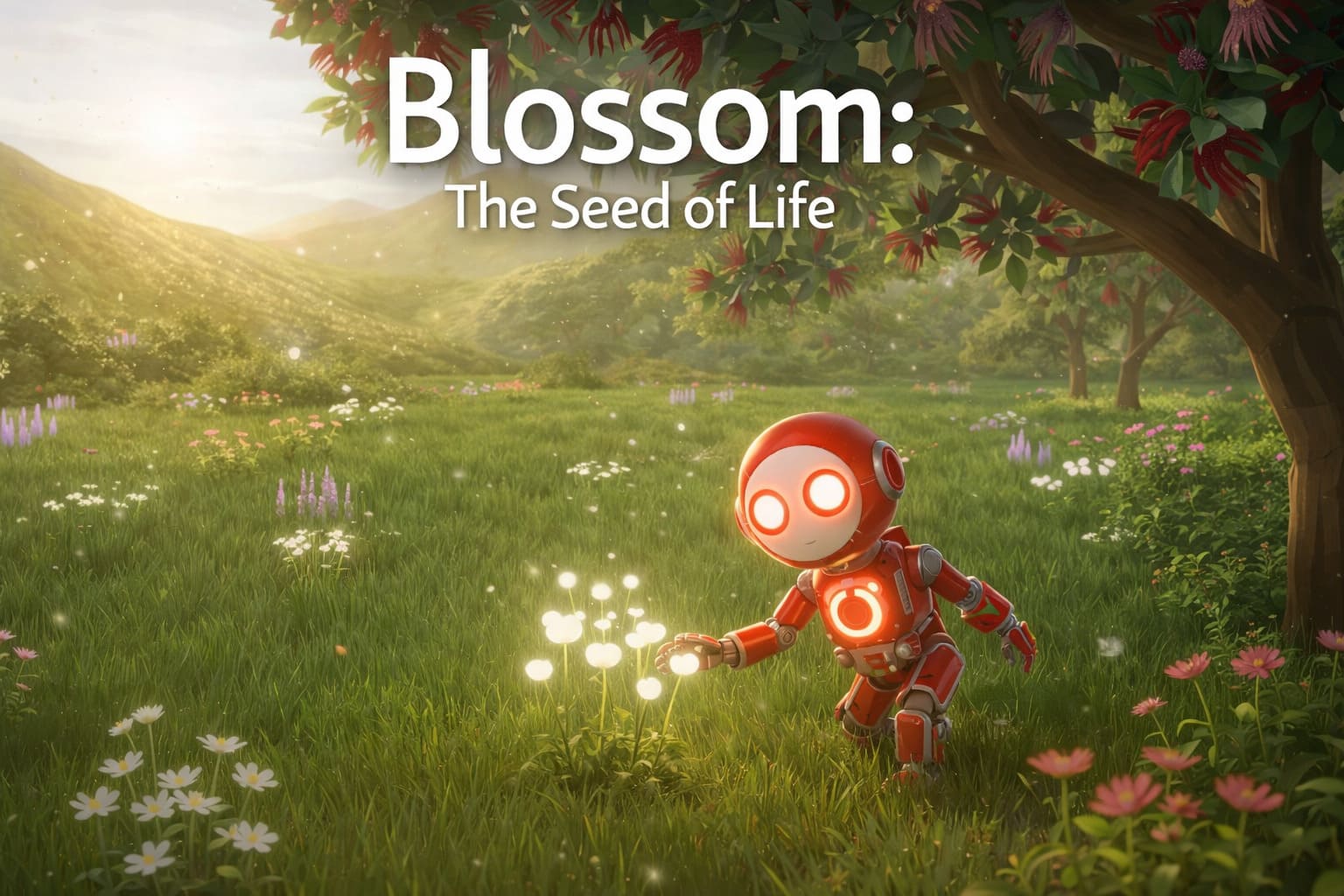
Instead of destruction, the gameplay is about transformation. You slowly reshape the environment—clearing fog, melting ice, and eventually planting forests that generate oxygen.
The moment when a barren landscape starts turning green is surprisingly satisfying.

Early Game Priority: Managing Your Energy
Your robot runs entirely on battery power, which means energy management becomes your first real challenge.
Without electricity, you simply can’t explore far.
What helped me early on:
- Stay connected to the base power cable when crafting or organizing items
- Build multiple Power Cells early to extend exploration time
- Always keep a spare battery charged
Crafting a basic battery requires simple components, but those materials can still be scarce at the beginning.
Is Over The Top: WWI Worth It in 2026? Full Review and Community Deep-Dive
| Item | Materials Needed | Why It Matters |
|---|---|---|
| Power Cell | Rod + Power Source | Extends exploration range |
| Rod | 1 Copper + 1 Sulfur | Used in early electronics |
| Generator | Composite Metal + Copper Wire | First reliable energy source |
Having three batteries minimum makes exploration far less stressful.
Understanding the Terraforming Process
Terraforming in Blossom happens gradually. It’s not a single upgrade or building—you’re actually adjusting planetary systems.
Here’s the simplified roadmap the game pushes you toward:
1. Increase Atmospheric Pressure
Higher pressure slowly clears the dense Martian fog and allows ice to form.
2. Raise the Planet’s Temperature
This is where heaters come in. Upgrading them quickly makes a noticeable difference.
3. Melt Ice into Water
Once temperatures rise enough, frozen deposits begin turning into liquid water.
4. Convert Dust Into Soil
Mars isn’t naturally fertile, so you must enrich the soil with nutrients.
5. Start Bio-Growth
Life begins small:
- algae
- flowers
- trees
Eventually forests produce oxygen and the sky gradually shifts from red to blue.
And yes — watching that change happen is one of the best moments in the game.
UI Tools That Actually Help
Terraforming an entire planet sounds overwhelming, but the game includes several helpful overlays.
| Overlay | Shortcut | What It Shows |
|---|---|---|
| Power Grid | 1 | Battery charge across your network |
| Planet Progress | 2 | Terraforming metrics and environment stats |
| Water Overlay | Unlockable | Water flow and distribution |
The Planet Progress screen quickly became my most-used tool because it shows how close you are to major milestones like fog clearing or soil coverage.
Exploration: The Best Way to Progress Faster
A lot of key materials aren’t craftable early in the game. That means exploration becomes essential.
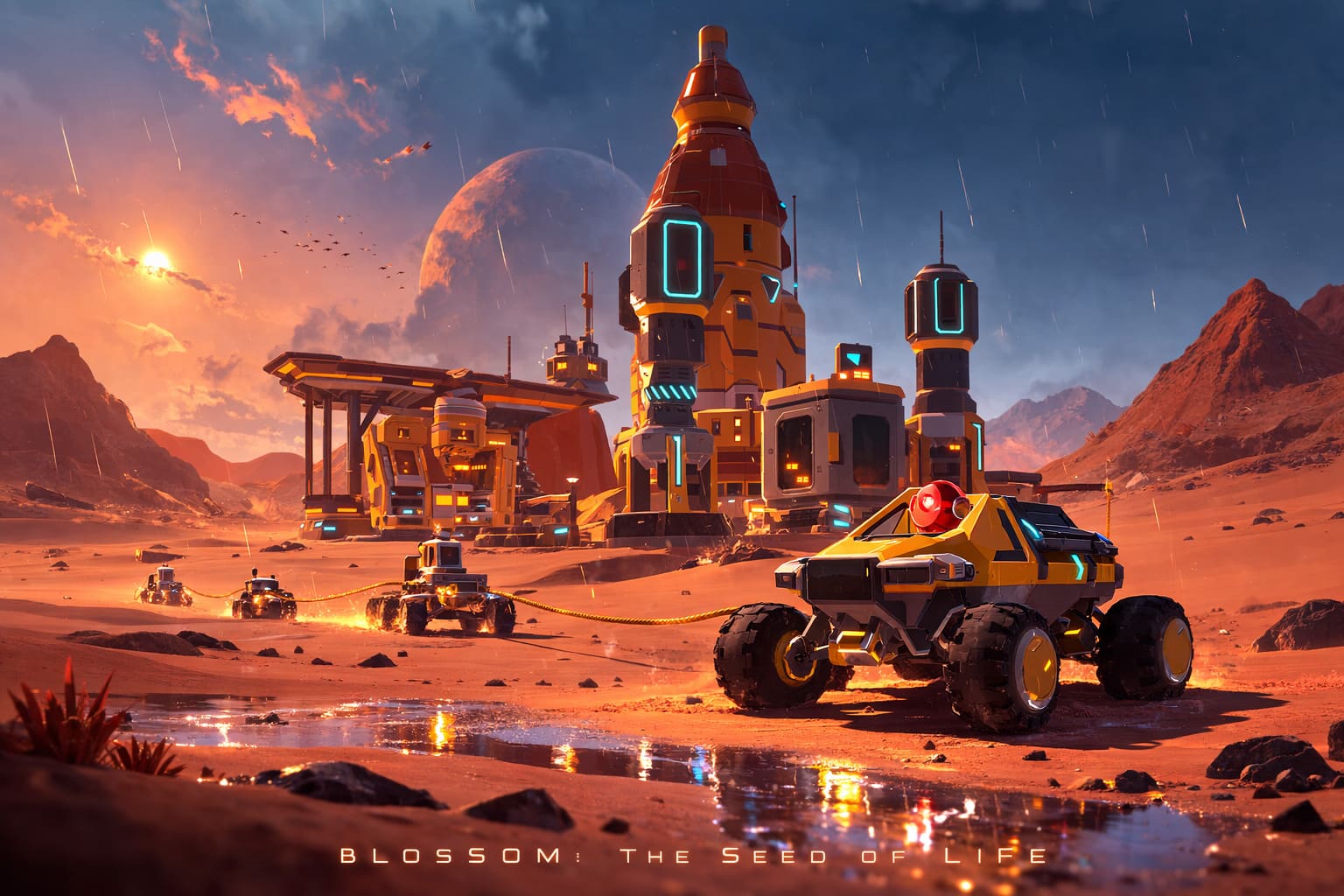
The Martian surface is scattered with abandoned stations and wrecked spacecraft, and they often contain rare components.
One important example:
Steel
You can’t produce steel early on, but many advanced upgrades require it. The only reliable way to get it is by salvaging ruins.
Vehicles also help a lot.
As you progress, you’ll unlock:
- Modular rovers
- Convoys for carrying materials
- Hovercraft for long-distance exploration
They make large-scale terraforming much easier.
Crafting Tip: The Construction Module
One upgrade I wish I had built earlier is the Construction Module.
This backpack attachment allows you to move structures without destroying them first. If you’ve ever played a base-building game, you know how frustrating rebuilding can be.
Being able to relocate equipment instantly saves a huge amount of time.
Inventory Management Is Surprisingly Realistic
The inventory system in Blossom feels intentionally detailed. Instead of massive stack transfers, you often move items individually.
At first this feels slow.
But after a few hours, I realized the game encourages you to plan resource runs carefully instead of hoarding everything.
If you’re starting out, focus on collecting:
- Copper
- Sulfur
These two resources power most early electronics and energy systems.
From Rust to Rainforests: My Honest Guide to Mastering Blossom: The Seed of Life
When I first booted up Blossom: The Seed of Life, I expected another typical survival crafting game set in space. Instead, I found something much calmer and surprisingly thoughtful. The game doesn’t just ask you to survive on Mars — it asks you to heal it.
You begin as a small robot called Blossom, dropped onto a cold, dusty version of Mars with limited power and no memories. At first, everything feels empty and fragile. But little by little, with the right tools and a bit of patience, you start turning red wasteland into living ecosystems.
After spending many hours experimenting with terraforming strategies, here’s my personal guide to progressing smoothly and avoiding some of the early frustrations.
Starting Out: The First Hours Matter Most
Your first objective is simple: stabilize your resources and power supply.
In the early game you’ll constantly gather basic materials scattered around the Martian surface.
| Resource | Why It Matters | Early Use |
|---|---|---|
| Regolith | Base material found everywhere | Used for crafting and early soil processes |
| Silica | Essential crafting component | Needed for pressure tech and glass |
| Composite Metal | Structural material | Required for generators and machines |
| Copper Wire | Energy infrastructure | Used for scanners and power connections |
One thing that surprised me early on was how important power management becomes. Machines shut down quickly if you don’t plan your grid properly.
My early-game advice: Use Power Extenders as soon as possible. They help connect generators to machines across longer distances and prevent annoying shutdowns.
Once you unlock better materials, switch to Solar Panels (Tier 1). Passive energy may not sound exciting, but having a constant trickle of power saves you from constantly refueling generators.
Terraforming Mars Step by Step
Terraforming in the game happens gradually, and every stage changes how the planet looks and behaves.
1. Increasing Atmospheric Pressure
At first the Martian environment is covered in fog and dust. To clear it, you’ll need stronger drills.
Higher pressure leads to one important change: ice formation.
Without pressure, nothing else in the ecosystem can begin.
2. Creating Liquid Water
Once pressure stabilizes, temperature becomes your next obstacle.
Heaters melt the ice and create the first pools of water on the planet. This moment is honestly one of the most satisfying milestones in the game.
A small strategy tip:
- Place water pumps near craters
- Connect them to irrigation pillars
- Expand outward slowly rather than trying to green everything at once
3. Growing the First Ecosystems
This stage is where the game truly becomes special.
Instead of automated terraforming like many space simulators, you must manually prepare land.
The process looks like this:
- Convert dust into fertile soil
- Plant starter species like algae
- Introduce flowers and oxygen-producing plants
- Expand toward full ecosystems
Over time the sky begins to shift colors and oxygen levels increase. Eventually entire forests can appear where there used to be nothing but sand.
Base Building and Progression
As you move into the mid-game, crafting becomes more complex but also more rewarding.
Some upgrades completely change how you play.
| Module | Why It’s Important | When to Unlock |
|---|---|---|
| Construction Module | Move buildings without destroying them | Mid-game base optimization |
| Scanner Module | Detect rare resources like uranium | Exploration phase |
| Wagon | Transport large amounts of materials | Early exploration |
| Rover | Fast planetary travel | Late early-game |
The Construction Module is one of my favorite tools because it saves an incredible amount of rebuilding time when reorganizing your base.
Automation: Let the Drones Work
Eventually you’ll unlock Uranium Generators, which open the door to full automation.
At this point you can build Drone Platforms.
Drones handle repetitive tasks like:
- Collecting uranium
- Transporting crafting materials
- Refueling generators
Once automation kicks in, the game shifts from survival to ecosystem design, which is where it really shines.
Hidden Tricks Most Players Miss
While experimenting and reading community discussions, I discovered a few useful tricks that the game never explains clearly.
Irrigation Trick Once an area becomes fully green, you can remove the irrigation pillar. The soil stays fertile, allowing you to move the pillar somewhere new.
Inventory Workaround Storage space feels tiny early on. A simple solution many players use is creating a controlled “resource pile” near the base. As long as the area is safe, dropped materials stay accessible.
Blueprint Vault Quirk Some players discovered that certain vault doors can be triggered through walls. This will probably be patched eventually, but it’s an interesting community discovery.
Common Problems and Quick Fixes
| Problem | Likely Cause | Fix |
|---|---|---|
| Machines randomly shutting down | Weak power network | Add Power Extenders |
| No animals appearing | Ecosystem not stable | Increase plants and water |
| Base clutter | Too many small storages | Upgrade crates early |
Animals only appear when the environment becomes stable enough. Once you have plants, water, and oxygen, wildlife slowly begins to populate the planet.
Watching that first creature wander into your biome is honestly a pretty magical moment.
Is Blossom Worth Playing?
After spending time with Blossom: The Seed of Life, I can say it’s one of the most relaxing survival games I’ve played in a while.
It doesn’t rush you.
There’s no constant danger.
Instead, you watch an entire planet slowly come back to life because of the systems you build.
If you enjoy:
- terraforming mechanics
- exploration
- base building
- atmospheric sci-fi worlds
this game is absolutely worth trying.
And honestly, seeing a blue sky appear over Mars for the first time feels like a real achievement.
For an indie survival game, Blossom: The Seed of Life offers an unusually deep ecosystem system. It’s slower and more methodical than many crafting games, but that’s exactly what makes it memorable.
Instead of rushing through objectives, you’re encouraged to watch the planet evolve — sometimes literally plant by plant.
If you enjoy terraforming, base building, and relaxing progression, this game delivers a surprisingly satisfying experience.
And by the time your dusty Martian outpost turns into a thriving green world, you’ll realize you didn’t just survive on Mars.
You transformed it.