Echoes of Aincrad Demo Data Transfer Guide: How to Carry Over Your Progress to the Full Game
If you spent the last few weeks squeezing every last drop of content out of the Echoes of Aincrad demo, you’re definitely not alone. I went into the demo thinking I’d just check out the combat for an hour or two. Instead, I found myself farming materials, experimenting with different weapons, and trying to perfect parry timings far longer than I expected.
That’s probably the best compliment I can give the game.
Now that the full release is almost here, one question keeps popping up everywhere—from Reddit discussions to Discord servers:
“Will my demo progress carry over?”
Thankfully, the answer is yes—but there are a few important things you absolutely shouldn’t overlook if you don’t want to lose dozens of hours of progress.
In this guide, I’ll break everything down in plain English, explain the biggest mistakes players are making, and share a few personal tips before launch day.
Why the Demo Actually Matters
A lot of modern game demos are little more than vertical slices. You play them, enjoy them, then start over once the full version launches.
Echoes of Aincrad does things differently.
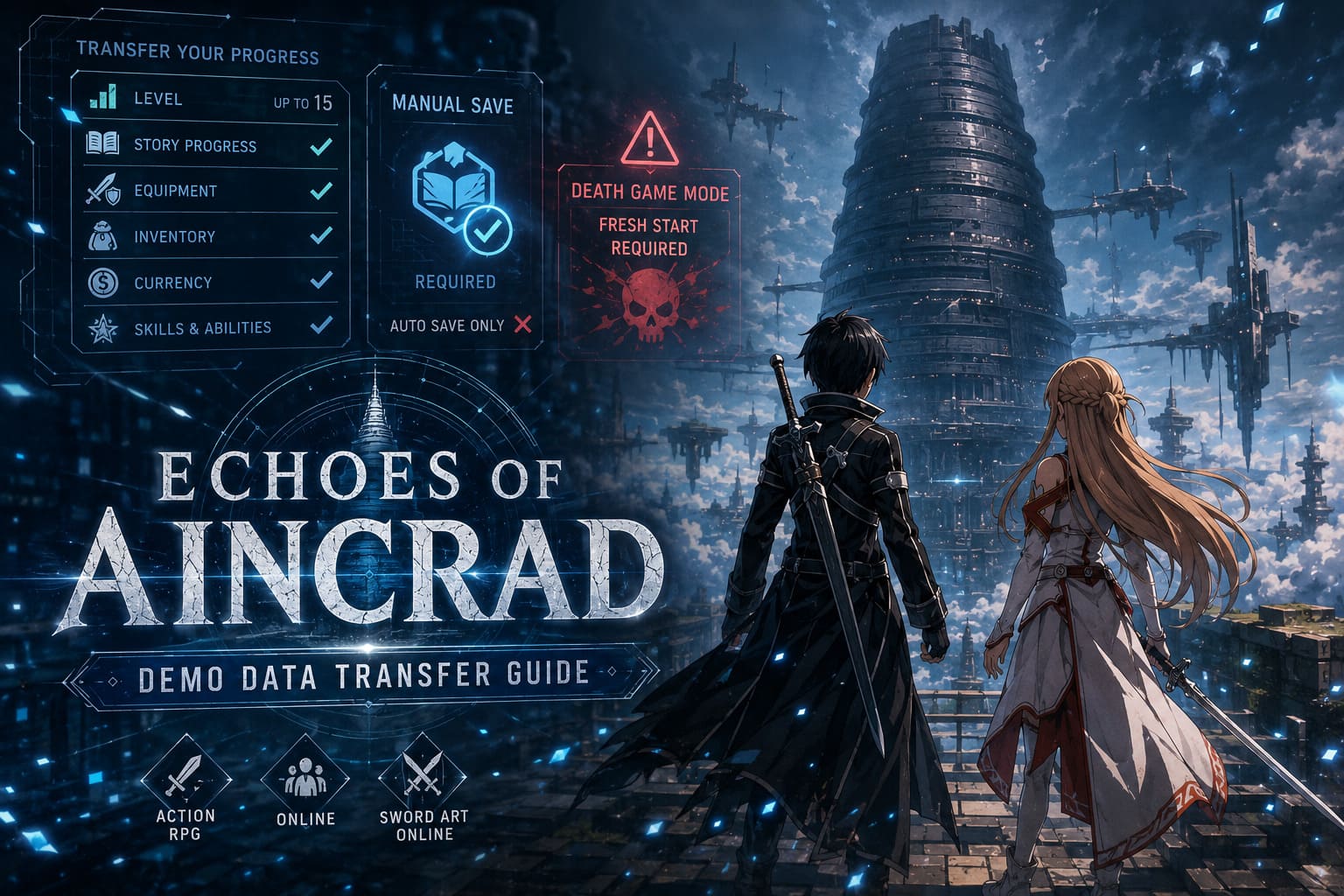
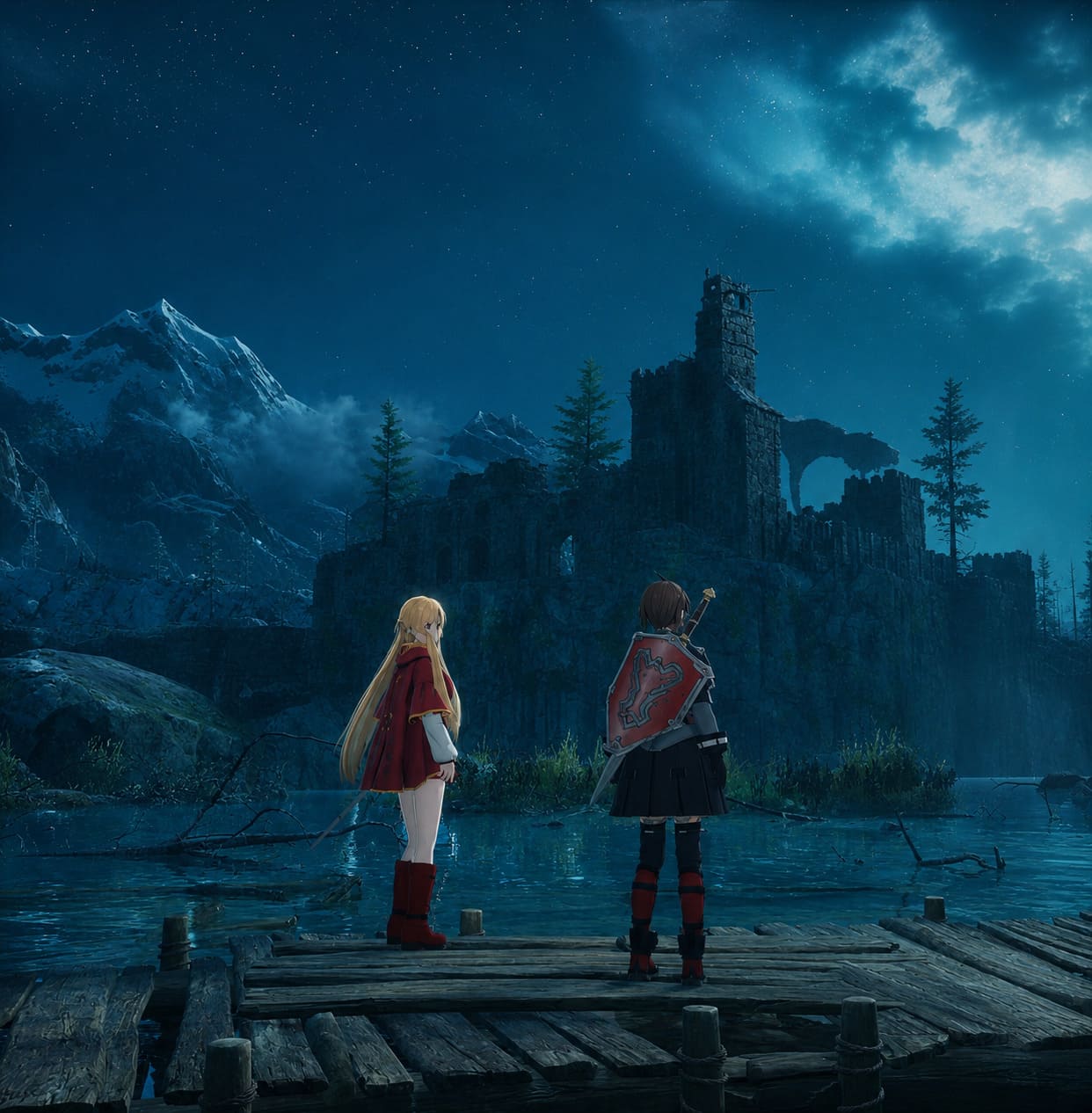
The demo feels like the opening chapters of the real adventure rather than a separate experience. Everything from leveling your character to collecting equipment feels meaningful because most of it can continue into the retail version.
As someone who enjoys RPG progression, this is one of my favorite decisions the developers made. Grinding suddenly doesn’t feel temporary.
Instead of thinking:
“Why bother upgrading this sword?”
you start thinking:
“This weapon might carry me through the first several floors.”
That changes your entire mindset while playing.
What Progress Transfers?
The good news is that nearly everything you’ve earned within the demo’s limits is eligible for transfer.
That includes:
- Character level (up to Level 15)
- Weapon Proficiency (maximum Level 3)
- Story completion
- Character statistics
- Learned abilities
- Equipment
- Upgraded weapons
- Armor improvements
- Currency
- Crafting materials
- Inventory items
Essentially, if you legitimately earned it inside the demo, you’ll continue your adventure with it.
For RPG fans, that’s a huge win.
Quick Overview
| Feature | Transfers? |
|---|---|
| Character Level | ✅ Yes (up to Level 15) |
| Story Progress | ✅ Yes |
| Weapons | ✅ Yes |
| Armor | ✅ Yes |
| Inventory | ✅ Yes |
| Currency | ✅ Yes |
| Weapon Upgrades | ✅ Yes |
| Skill Progress | ✅ Yes |
| Manual Save | ✅ Required |
| Auto Save Only | ❌ No |
| Death Game Mode | ❌ Fresh Start Required |
The Biggest Mistake You Can Make
If there’s only one thing you remember from this article, let it be this:
Manual save your game before the demo ends.
Seriously.
Many players assume the game’s auto-save system is enough because that’s how most modern RPGs work.
Not this time.
Only a proper manual save can be detected by the launch version.
If you’ve only relied on checkpoints and auto-saves, there’s a real chance the retail game won’t recognize your progress at all.
Before uninstalling anything, head back to town or another safe area and create a fresh manual save.
It takes less than a minute.
It could save you twenty hours.
Keep the Demo Installed
This is another surprisingly common mistake.
Some people like cleaning up storage before a new release and immediately delete the demo after preloading the full game.
Don’t.
The retail version searches your system for compatible save data during its first launch.
Deleting the demo before the transfer process may complicate things unnecessarily depending on your platform.
Until you successfully import your character, I’d leave the demo exactly where it is.
Storage is cheaper than replaying fifteen levels.
How to Transfer Your Save
Thankfully, the process itself is straightforward.
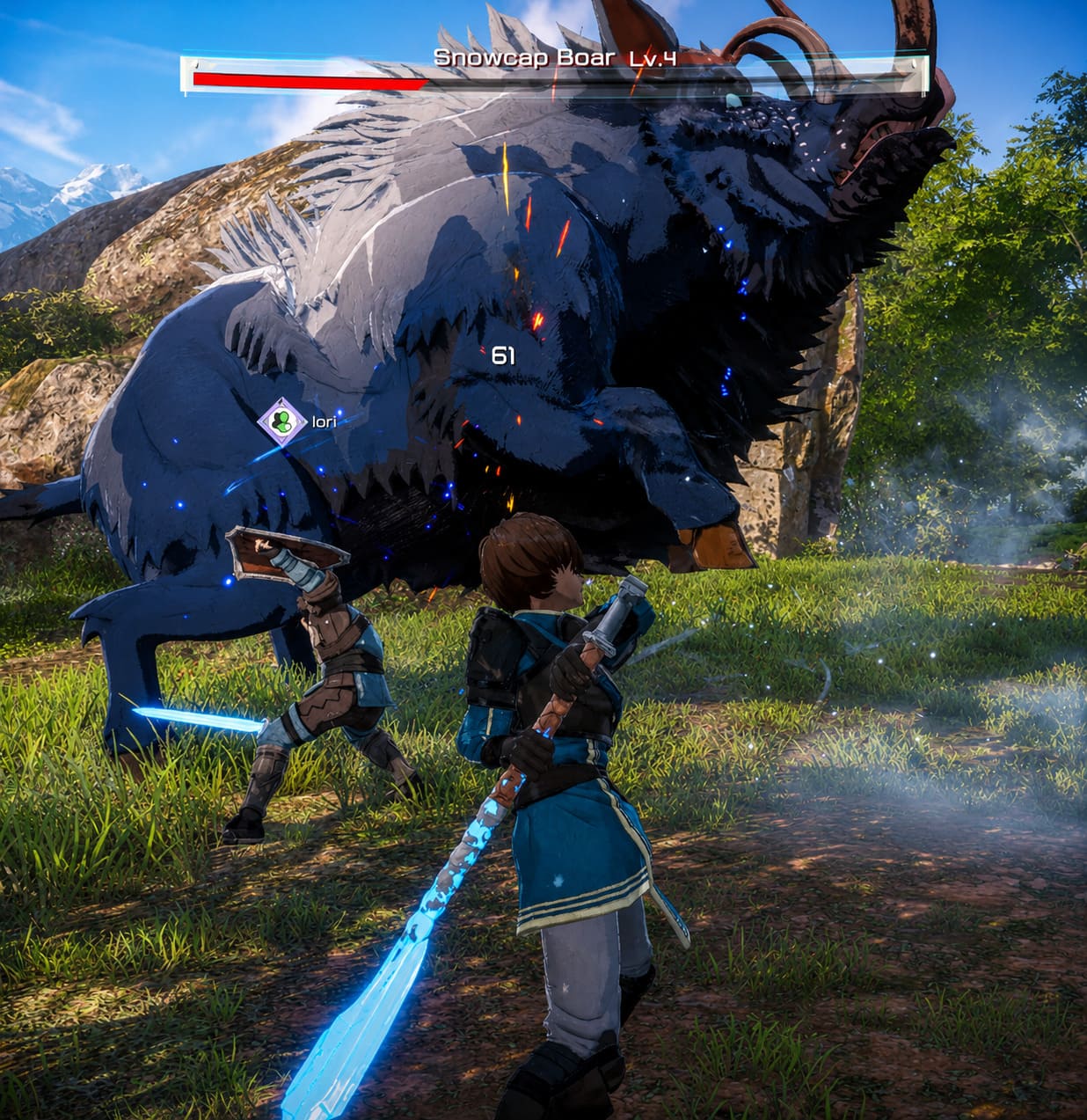
- Leave the demo installed.
- Download the full version.
- Install the latest launch update.
- Launch the game.
- Wait for the save detection message.
- Choose Carry Over.
- Confirm the transfer.
- Load your character and continue playing.
If everything goes correctly, you’ll pick up almost exactly where the demo ended.
Death Game Mode Changes Everything
This is probably the coolest feature in the game.
It’s also the least forgiving.
The optional Death Game Mode embraces the original Sword Art Online concept.
If your character dies…
That’s it.
Your save disappears forever.
No reload.
No checkpoint.
No second chance.
Because of that, demo progress cannot be imported into this mode.
Personally, I think that’s the right decision.
Permadeath only works when everyone starts equally vulnerable.
Importing a fully optimized Level 15 character would completely undermine the challenge.
If you’re planning to experience Aincrad the hard way, prepare to create an entirely new save file.
Common Problems Players Might Encounter
Launch week is rarely perfect.
Servers get overloaded.
People click through menus too quickly.
Mistakes happen.
Here are the issues I’m expecting to see the most.
1. You Accidentally Pressed “No”
It happens.
You’ve clicked through fifteen setup screens already and instinctively reject the transfer prompt.
Now the game starts a brand-new save.
Fortunately, this isn’t usually permanent.
Deleting the newly created retail save (without touching your demo save) should allow the game to detect your original progress again on the next launch.
2. The Game Doesn’t Detect Your Save
Usually this comes down to one thing:
You only have an auto-save.
Open the demo again.
Return to town.
Create a manual save.
Close the game.
Launch the retail version again.
That solves the problem for most players.
3. Changing Platforms
Unfortunately, there’s no magic solution here.
Your save stays with the platform where it was created.
Played on Steam?
You’ll need the Steam version.
Played on Xbox?
You’ll need Xbox.
PlayStation saves remain on PlayStation.
Cross-save isn’t supported.
Is It Worth Maxing Out the Demo?
Absolutely.
Normally I don’t recommend grinding too hard in limited demos because your progress disappears anyway.
This is different.
Since everything transfers, reaching the level cap actually gives you a noticeable head start.
I’d recommend spending your remaining demo time on:
- Farming upgrade materials
- Improving your favorite weapon
- Practicing dodge timing
- Learning enemy attack patterns
- Stockpiling currency
- Experimenting with different builds
You’ll thank yourself later when tougher floors begin opening.
Combat Feels Better Than I Expected
I’ll admit something.
When the first trailers dropped, I wasn’t completely convinced.
The animations looked decent, but I worried combat would become repetitive after a few hours.
Instead, I ended up enjoying it far more than expected.
Perfect dodges feel satisfying.
Parries have enough risk to stay exciting.
Weapon switching adds more flexibility than I initially anticipated.
Most importantly, enemies actually force you to pay attention instead of mindlessly button-mashing.
If later floors continue introducing fresh mechanics, this could become one of the strongest Sword Art Online combat systems we’ve seen.
Echoes of Aincrad Deluxe vs Ultimate Edition: Which Should You Buy?
My Advice Before Launch Day
If you’ve already invested several evenings into the demo, don’t rush the final steps.
Double-check your save.
Create another manual save just to be safe.
Leave the demo installed.
Update the retail version before launching.
Then sit back and let the transfer process do its job.
The last thing anyone wants after twenty or thirty hours of preparation is discovering they skipped one tiny requirement and have to restart from scratch.
Sometimes the simplest checklist is the most valuable one.
Final Thoughts
One thing I genuinely appreciate about Echoes of Aincrad is that it respects the player’s time.
Too many demos ask players to invest hours only to erase every bit of progress when launch day arrives. Here, the developers made the smarter choice. Every boss defeated, every crafting material collected, and every weapon upgrade can become part of your real adventure—as long as you’ve prepared your save correctly.
Is the launch guaranteed to be flawless? Probably not. Every major online RPG has a few bumps during release week. But the transfer system itself is refreshingly simple once you understand the requirements.
For me, that’s the biggest takeaway.
If you’ve already climbed through the opening floors, mastered your favorite weapon, and pushed your character to the Level 15 cap, there’s no reason to lose that momentum. Spend two minutes making a proper manual save, keep the demo installed until everything is imported, and you’ll be ready to step back into Aincrad the moment the servers go live.
After all, surviving the floating castle is hard enough—you shouldn’t have to fight your own save file first.