Alien: Isolation Ultrawide Fix (2026): Removing Black Bars and What to Expect from Alien 2 on PC
I’ve replayed Alien: Isolation more times than I’d like to admit. It’s one of those rare horror games that still gets under your skin, even when you already know every scripted scare.
But after switching to an ultrawide monitor, something immediately felt wrong—the immersion I loved kept getting interrupted by stubborn cinematic black bars and a field of view that felt oddly tight.
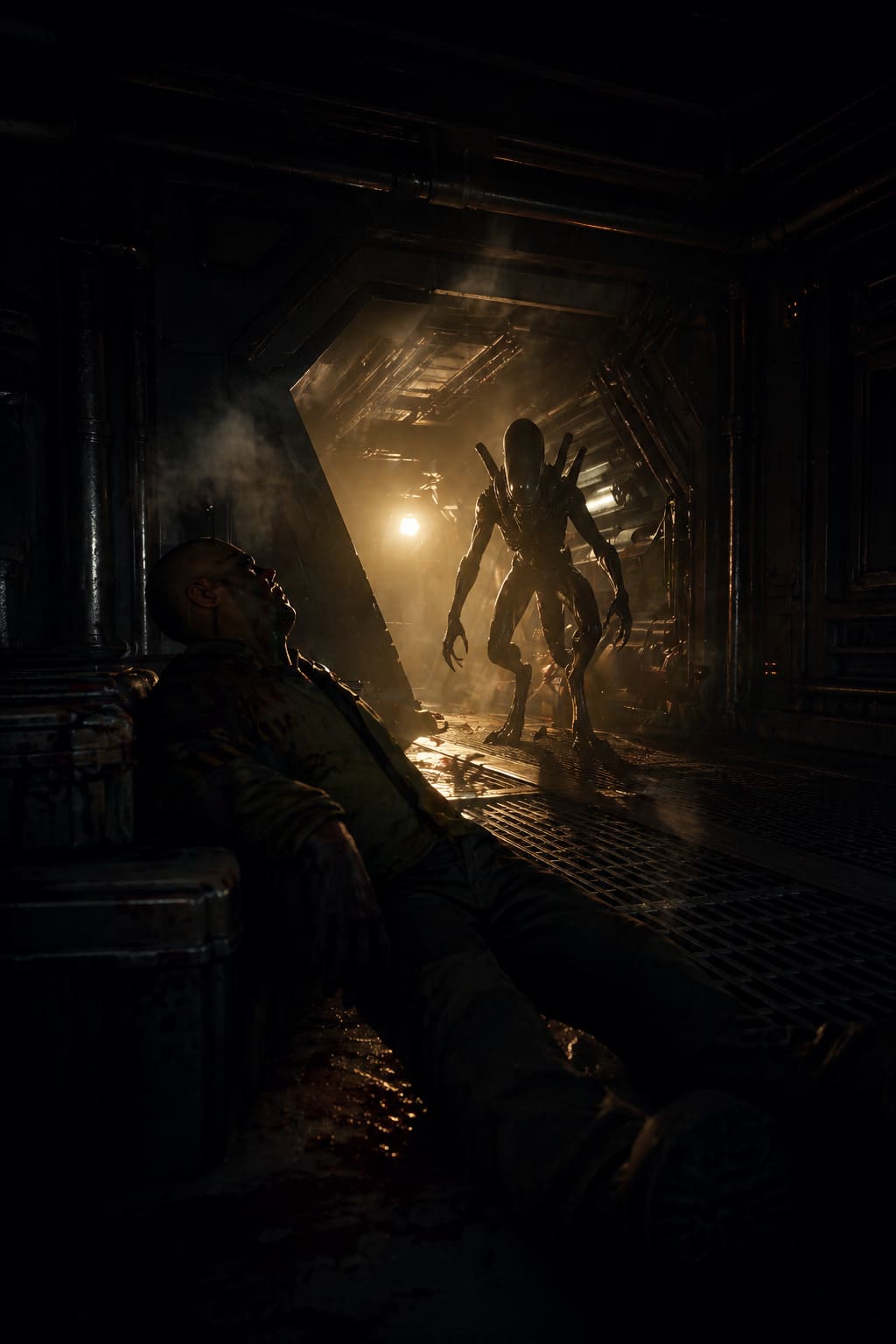
If you’re playing in 21:9 or 32:9 in 2026, you’ve probably seen the same issues. The game is still amazing, but it clearly wasn’t designed with modern ultrawide setups in mind. The good news is that you can fix almost all of it, and once you do, Sevastopol Station feels like a completely different place.
This guide is a practical breakdown of what actually works based on real testing and experience, not theory.
Saros Performance Fix: How to Stop Crashes & Unlock Void Biomes
Why Alien: Isolation Feels Broken on Ultrawide
The core issue is how the game handles aspect ratios. While gameplay technically supports widescreen resolutions, the cinematic system is locked to 16:9. That means instead of adapting to your monitor, the game forces black bars during cutscenes and certain scripted moments.
On top of that, the Field of View scaling doesn’t behave properly for ultrawide screens. The result is a zoomed-in feeling where you lose peripheral visibility instead of gaining it.
In practice, this creates three major problems:
- Forced black bars during cutscenes
- Narrow and inconsistent field of view
- Reduced immersion on modern displays
Step 1: Fix the Field of View First
Before touching any advanced tweaks, the FOV needs to be corrected. This alone dramatically improves how the game feels on ultrawide monitors.
Navigate to your installation directory and locate the configuration file:
Steam\\steamapps\\common\\Alien Isolation\\DATA\\ENGINE_SETTINGS.XML
Open it and find the FieldOfView value. Increasing it helps restore proper spatial awareness.
Recommended values based on experience:
- 21:9 setup: 75 to 80 FOV
- 32:9 setup: 80 to 90 FOV
Be careful not to push it too far, as extreme values can cause visual glitches such as seeing inside character models or distorted weapon positioning.
Step 2: Removing Cinematic Black Bars
This is the most important step if you want a truly full-screen experience. It involves modifying the game executable to disable forced aspect ratio constraints.
You will need a hex editor such as HxD for this process.
First, always make a backup of AI.exe before doing anything else.
Then follow these steps:
- Open AI.exe in a hex editor
- Search for the hex value 39 8E E3 3F
- Replace it depending on your monitor resolution
Replacement values:
| Aspect Ratio | Hex Value |
|---|---|
| 21:9 | 8E E3 18 40 |
| 32:9 | 39 8E 63 40 |
After saving the file, launch the game and you should immediately notice that cutscenes now use your full screen instead of being letterboxed.
One limitation remains: pre-rendered videos still contain black bars since they are encoded at 16:9. There is no clean fix for this without cropping or damaging image quality.
Step 3: Improving Visual Quality with Alias Isolation
Even after fixing aspect ratio issues, Alien: Isolation still suffers from outdated anti-aliasing. On ultrawide displays, this becomes even more noticeable due to increased screen space.
The Alias Isolation mod solves this problem by introducing modern temporal anti-aliasing and improving image stability.
Key benefits include:
- Reduced shimmering and jagged edges
- Smoother overall image quality
- Better clarity in motion-heavy scenes
Installation is straightforward. You download the mod, place it in the game directory, and run the injector tool. No complicated setup required.
It also offers additional resolution scaling options that help fine-tune performance and image consistency on non-standard aspect ratios.
Step 4: Fixing 32:9 Stability Issues
Super ultrawide users (especially 32:9 monitors like the Odyssey G9) may encounter a strange bug where the game resets zoom or UI scaling after certain interactions such as resting or saving.
This issue appears to be tied to high frame rates and internal timing inconsistencies.
The most reliable workaround is to cap your FPS using a tool like RivaTuner Statistics Server.
Recommended frame caps:
| Monitor Refresh Rate | Recommended FPS Cap |
|---|---|
| 144Hz | 100–105 FPS |
| 120Hz | 90–100 FPS |
While the exact cause is unclear, limiting frame rate stabilizes the game’s internal scaling behavior and prevents UI glitches.
Quick Setup Summary
If you want a simplified checklist, here is everything in one place:
- Adjust Field of View in ENGINE_SETTINGS.XML
- Hex edit AI.exe to remove cinematic black bars
- Install Alias Isolation for improved image quality
- Cap FPS if using a 32:9 monitor to prevent bugs
Common Problems You Might Still See
Even after applying all fixes, a few quirks can still appear depending on your setup.
One common issue is subtitle positioning. When black bars are removed, subtitles may shift lower or partially off-screen. The usual workaround is slightly reducing FOV or disabling subtitles for a cleaner presentation.
Another minor issue relates to different game versions. For example, Epic Games installs often use slightly different folder structures compared to Steam, so always double-check file paths before applying mods or edits.
Alien: Isolation 2 Feels Like a True Next-Gen Horror Leap — What PC Players Should Expect
I’ve replayed the original Alien: Isolation more times than I probably should admit, and even in 2026 it still stands as one of the most intense survival horror experiences ever made. That slow burn tension, the unpredictable Xenomorph AI, the feeling that you are never truly safe — it still holds up surprisingly well today.

So when Creative Assembly dropped the haunting “False Sense of Security” teaser on Alien Day, it didn’t feel like just another sequel announcement. It felt like a reminder that survival horror is about to evolve again.
And the biggest shift? The move to Unreal Engine 5. That alone changes almost everything about how this game will look, feel, and even how it will scare us.
Why Unreal Engine 5 Changes Everything
The original game was built on a proprietary engine that, while impressive for its time, had clear limitations in lighting, geometry, and scale. Now, with Unreal Engine 5, the sequel is stepping into a completely different technological era.
Two core technologies define this leap:
- Lumen — dynamic global illumination that reacts to every light source in real time
- Nanite — virtualized geometry allowing incredibly detailed environments without traditional performance bottlenecks
In practice, this means the world will feel far more alive. Lights won’t just illuminate corridors — they will shape tension. Shadows won’t be static — they will move, shift, and hide threats in ways that feel unpredictable.
This is the kind of technology that turns simple hallway exploration into psychological horror again.
Predicted PC System Requirements
While official specs haven’t been released, we can make a realistic prediction based on modern Unreal Engine 5 titles currently on the market.
| Component | Minimum (1080p / 30 FPS) | Recommended (1440p / 60 FPS) |
|---|---|---|
| OS | Windows 10/11 (64-bit) | Windows 11 (64-bit) |
| CPU | Intel i5-10600 / Ryzen 5 3600 | Intel i7-12700 / Ryzen 7 7700X |
| GPU | RTX 2060 / RX 6600 | RTX 4070 Ti / RX 7900 XT |
| RAM | 16 GB | 32 GB |
| Storage | 100GB NVMe SSD | 100GB NVMe SSD |
The biggest takeaway here is simple: this is not a lightweight game. Unreal Engine 5 demands fast storage, strong GPU performance, and ideally support for modern upscaling technologies.
DLSS, FSR, and XeSS will likely play a major role in making the game playable at high settings without sacrificing frame rate.
Ray Tracing and Atmosphere
Unlike many modern games where ray tracing is optional eye candy, here it could become central to the experience.
Imagine wet metallic corridors reflecting flickering emergency lights. Imagine shadows that reveal movement just a second too late. In a game like Alien: Isolation 2, visibility is not just visual design — it is gameplay.
This is where hardware matters. To fully experience the game’s intended atmosphere, high-end GPUs will likely be required.
Ultrawide Support Done Right
The original Alien: Isolation had frustrating limitations for ultrawide users, including black bars and inconsistent field of view scaling. That broke immersion in a game where immersion is everything.
With Unreal Engine 5, we expect a much more modern implementation.
- Native 21:9 and 32:9 support during gameplay
- Proper horizontal FOV scaling (no zoomed-in distortion)
- Optional cinematic framing instead of forced letterboxing
In horror games, field of view directly affects tension. A wider view can make players feel more aware — but also more vulnerable in unexpected ways.
AI Evolution and Xenomorph Behavior
One of the most iconic aspects of the original game was the Xenomorph AI. It felt alive, unpredictable, and intelligent in ways most games still struggle to replicate.
With modern engine capabilities, AI systems can now be more dynamic than ever.
We may see enemies that react differently based on lighting, sound propagation, and even player visibility on wider screens. Instead of fixed behavior patterns, encounters could become more fluid and reactive.
This could eliminate one of the subtle issues of the original game — learning the AI too well and eventually predicting its behavior too accurately.
Performance Reality Check
As someone who regularly plays modern AAA titles on high-end hardware, it’s important to set expectations realistically.
Even powerful systems will likely need to rely on upscaling and optimization settings to maintain stable performance, especially at higher resolutions.
Here’s what players should expect in practice:
- 1440p ultra settings may require upscaling for stable 60 FPS
- 4K native performance will likely be heavily GPU-dependent
- Frame consistency will matter more than peak FPS
In a horror game, smooth performance is not just technical comfort — it directly impacts immersion and tension.
Expected Release Window
Current development indicators suggest the game is still in early-to-mid production stages. Based on typical AAA development cycles for UE5 projects of this scale, the most realistic release window is likely between late 2027 and 2028.
While waiting is always frustrating, especially for a beloved franchise, this is one case where extra development time could genuinely improve the final experience.
Final Thoughts
Alien: Isolation 2 doesn’t feel like a simple sequel. It feels like a technological and design evolution of everything the original did right.
The combination of Unreal Engine 5, improved AI systems, modern lighting technology, and proper ultrawide support could finally deliver the definitive survival horror experience for a new generation of hardware.
There are still risks — performance optimization, over-reliance on upscaling, and balancing visuals with gameplay tension — but the foundation looks promising.
If the developers manage to balance all of this correctly, Alien: Isolation 2 could do something rare in modern gaming: make players afraid in a way that feels completely natural, not scripted.