EA Sports College Football 27 Stadium Builder Guide: How to Design Custom Stadiums in Team Builder
For years, Team Builder fans had one major complaint that never truly disappeared. You could spend hours designing uniforms, logos, helmets, and branding for your dream football program, only to watch your team run onto the field inside someone else’s stadium. It completely killed the illusion. Seeing another university’s architecture, colors, or traditions attached to your custom school always felt like borrowing somebody else’s house.
That finally changes in EA Sports College Football 27.
After spending plenty of time experimenting with the new Stadium Builder, I honestly think this is one of the biggest improvements EA has added to Team Builder in years. It isn’t just a cosmetic upgrade. It completely changes how your university feels throughout Dynasty Mode.
Instead of settling for generic concrete bowls or recycled real-world venues, you now have the freedom to build an identity from the ground up. Whether you’re creating a tiny underdog school tucked away in the mountains or building the next powerhouse capable of packing 100,000 screaming fans into a massive arena, Stadium Builder finally gives you the tools to make it happen.
Why Stadium Builder Feels Like a Huge Upgrade
The old Team Builder system was fun, but there was always one immersion-breaking issue.
You could customize nearly everything except the place where your team actually played.
- Your logo looked unique.
- Your jerseys looked unique.
- Your field looked unique.
- Then kickoff happened inside a stadium that obviously belonged to another school.
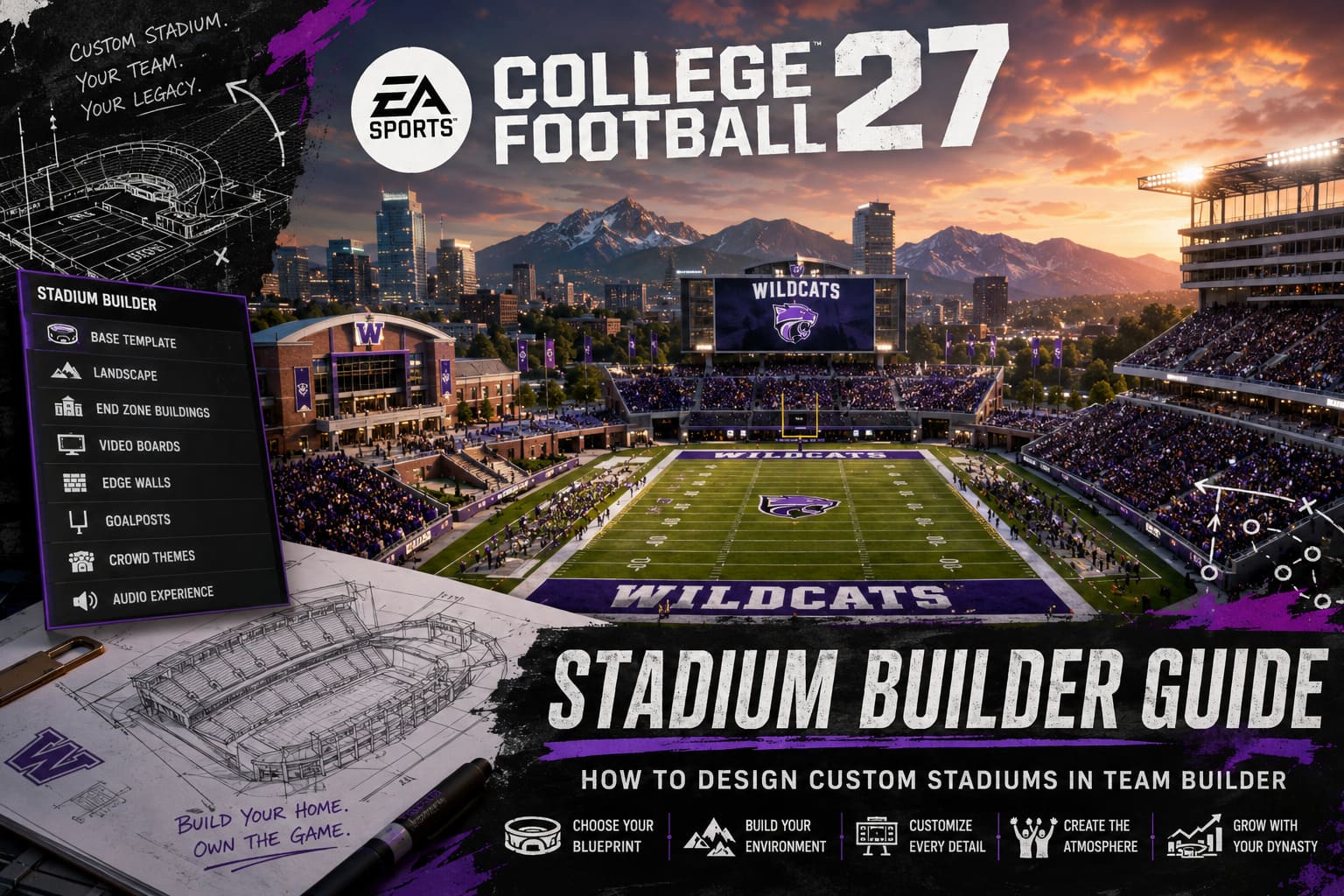
College Football 27 fixes that problem by introducing a full stadium customization suite directly inside Team Builder. Rather than simply selecting a borrowed venue, players can now create an entirely original home field complete with custom architecture, environmental scenery, scoreboards, crowd themes, and presentation elements.
It finally feels like your school actually exists.
Choosing Between Existing and Custom Stadiums
Before building anything, you’ll make one important decision inside the Stadium & Field section of Team Builder.
There are only two choices:
| Stadium Type | Best For | Customization |
|---|---|---|
| Existing Stadium | Players wanting authentic NCAA venues | Limited visual customization |
| Custom Stadium | Original schools and Dynasty programs | Full structural customization |
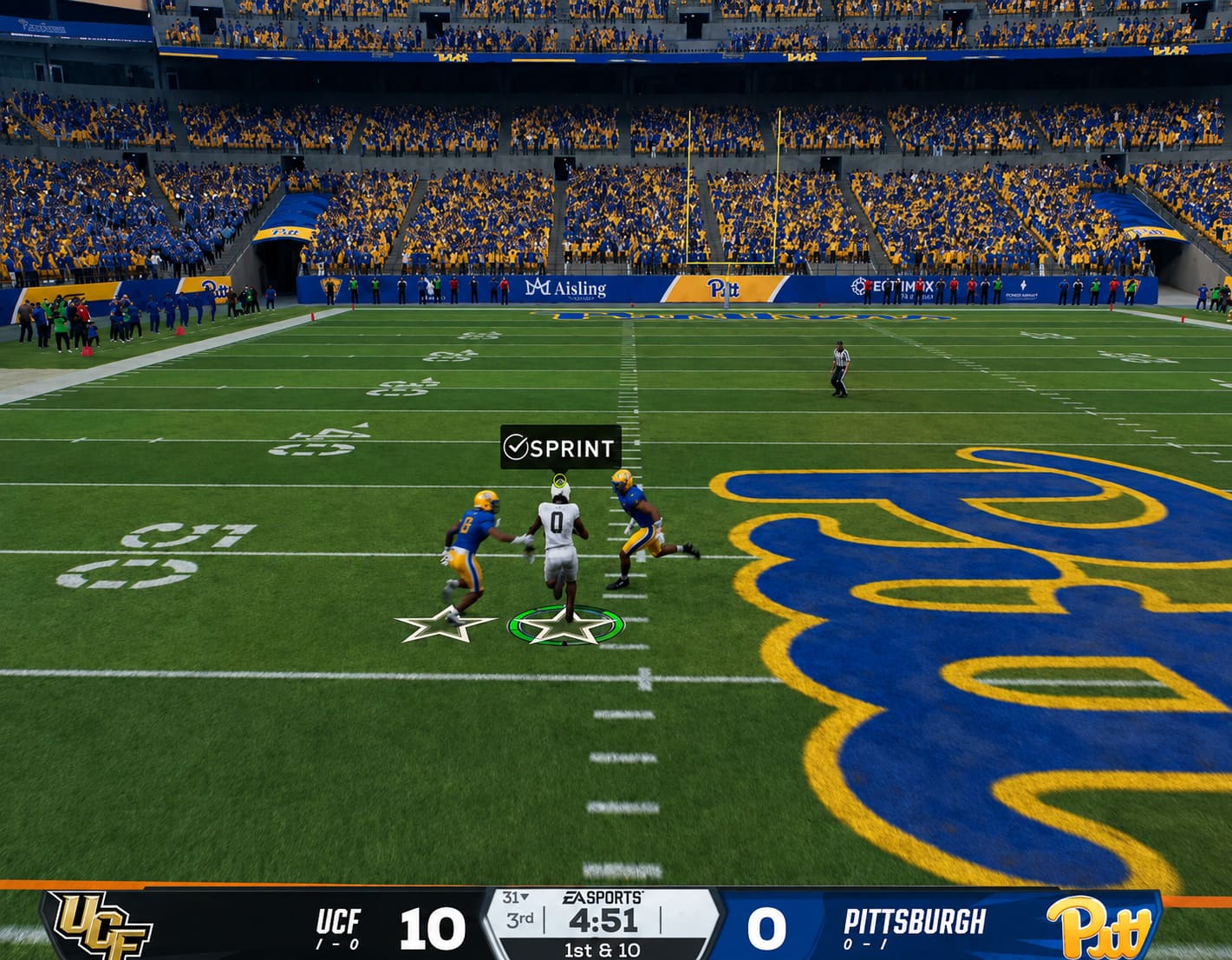
Choosing an existing stadium still allows changes like field art, logos, colors, and branding.
The actual stadium structure, however, stays exactly the same.
Selecting Custom Stadium opens the completely redesigned Stadium Builder, giving you full control over your venue’s overall appearance.
If your goal is to build a memorable fictional football program, I wouldn’t even hesitate—go custom.
Understanding the Four Base Stadium Templates
Every stadium begins with one architectural foundation.
Think of these as blueprints rather than finished stadiums.
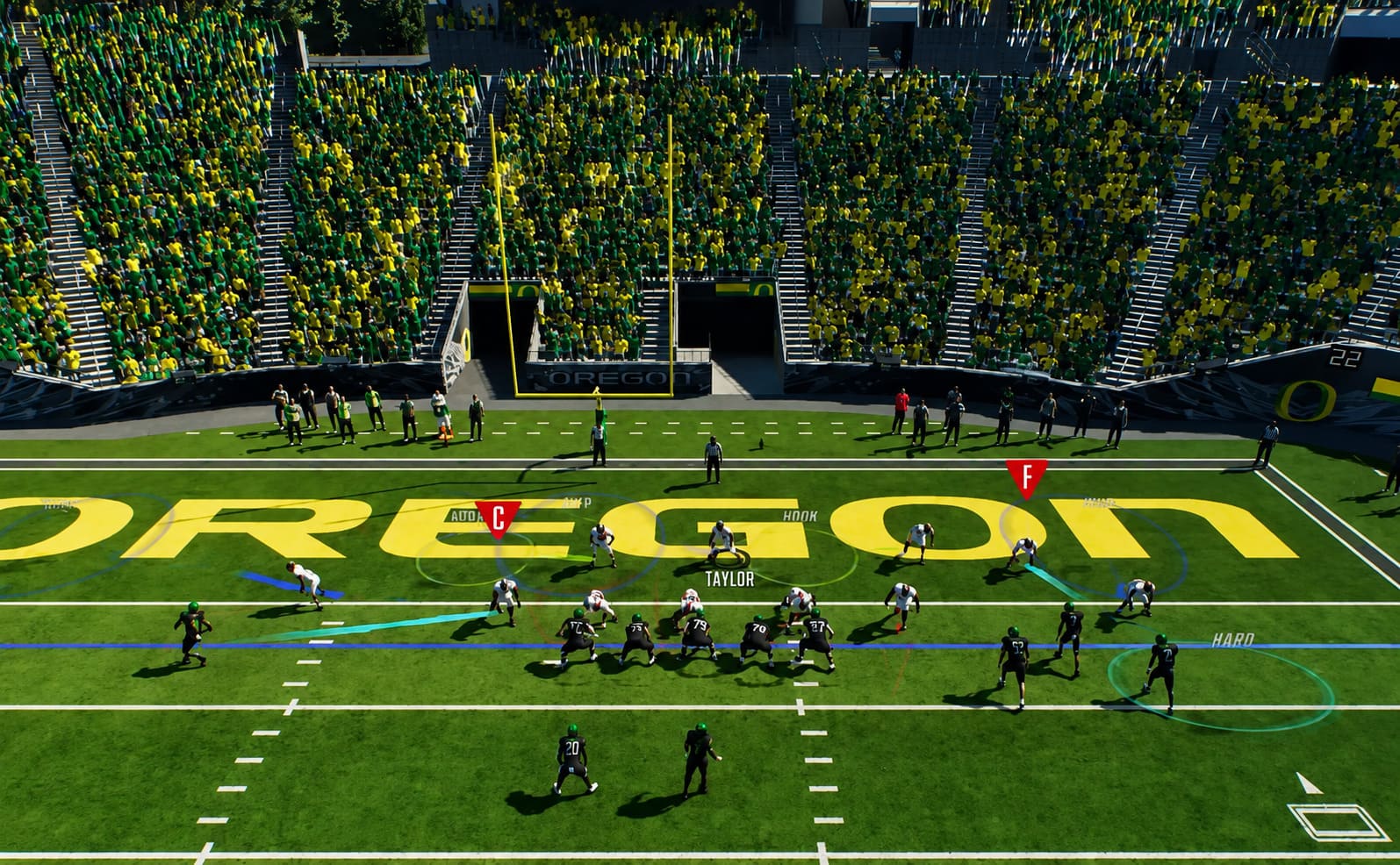
High School Base
Don’t underestimate this option because of its name.
This template works surprisingly well for rebuilding programs or long-term Dynasty saves where you want your school to grow naturally.
The smaller bleachers leave both end zones open, creating plenty of space for future additions while giving the stadium an authentic community atmosphere.
It fits perfectly if you’re creating a tiny school with dreams of becoming a national contender.
Horseshoe Stadium
This layout immediately reminded me of several classic college football venues.
One side wraps around the field while leaving an open end zone that becomes the visual centerpiece of the stadium.
It’s an excellent choice for traditional programs or schools inspired by historic Midwest football.
The open space also works beautifully for massive scoreboards or athletic facilities.
Side Stadium
If you enjoy loud stadiums that trap noise close to the field, this one is fantastic.
The tallest grandstands sit directly along both sidelines while both end zones remain open.
The result is a more modern appearance that resembles several newer college stadiums and even a few professional venues.
Crowd noise feels concentrated directly on top of the players.
Oval Bowl
This is the monster.
The Oval Bowl surrounds the field with a complete seating structure designed for maximum capacity.
If your dream school is supposed to become a perennial championship contender, this template delivers that Power Conference atmosphere immediately.
The trade-off is reduced flexibility for scenery behind the end zones, but honestly, the enormous seating capacity more than makes up for it.
Building the Stadium Beyond the Stands
This is where Stadium Builder really starts to shine.
The live 3D viewer lets you rotate the camera, zoom into every section, and preview changes before saving.
It’s surprisingly smooth and makes experimenting enjoyable instead of frustrating.
Several customization categories dramatically change the personality of your stadium.
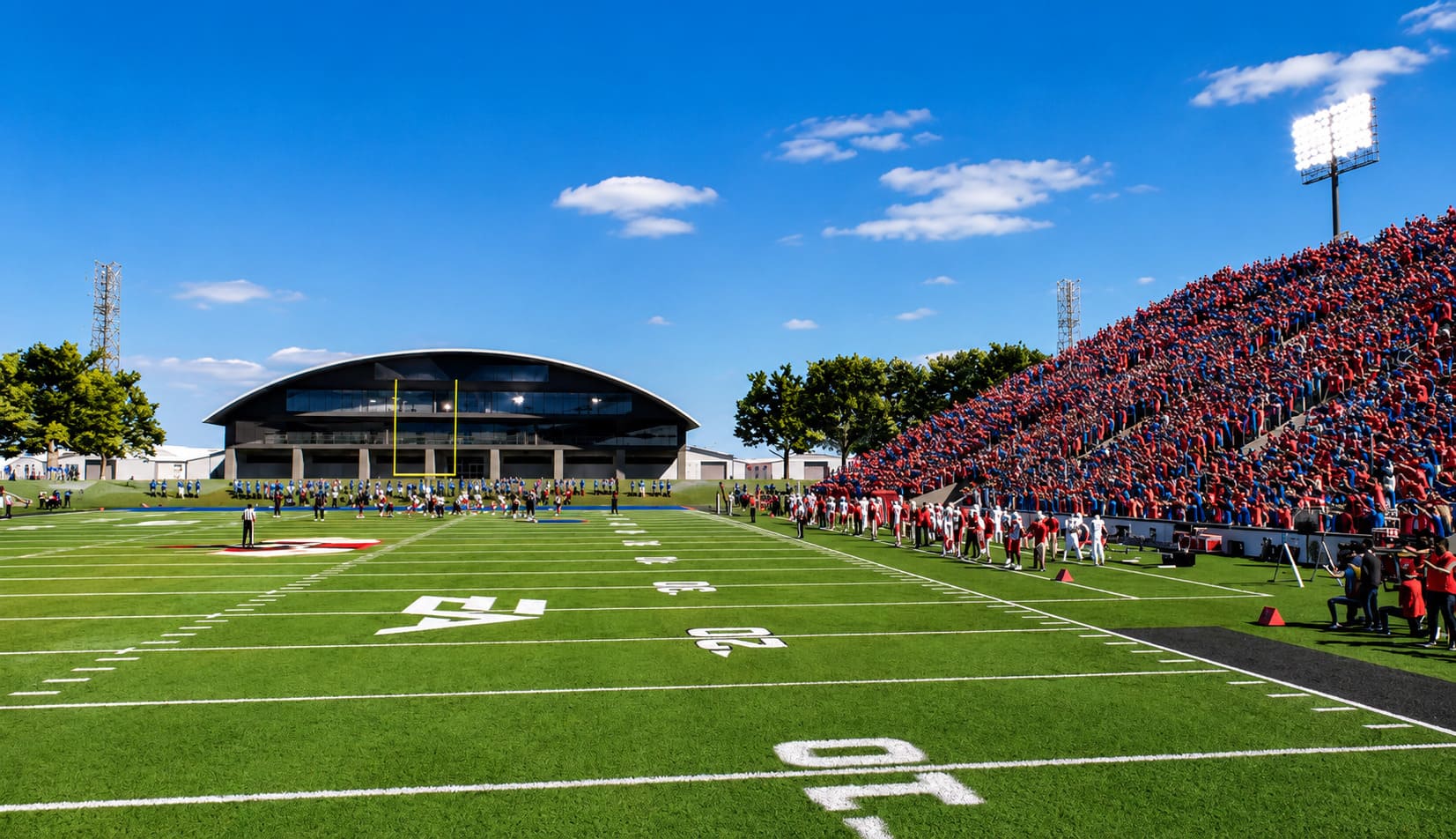
Landscape Presets
Your stadium isn’t floating in empty space anymore.
You can place it inside several different environments, including:
- Downtown skylines
- Mountain landscapes
- Dense forests
- University campuses
Each backdrop creates a completely different atmosphere.
Personally, I loved pairing mountain scenery with smaller schools because it gives off serious Saturday afternoon college football vibes.
End Zone Buildings and Video Boards
Open-end stadiums unlock another level of creativity.
Instead of empty space behind the goalposts, you can install various structures including:
- Athletic facilities
- Alumni buildings
- Premium suites
- Large plazas
- Modern jumbotrons
- Classic scoreboards
Even small adjustments here dramatically change the personality of your venue.
Edge Walls Finally Matter
It sounds minor until you actually start customizing them.
Instead of boring concrete everywhere, you can choose different materials like:
- Traditional brick
- Natural stone
- Modern concrete
- Vinyl-covered padding
Better yet, these walls support custom colors and uploaded team branding, helping tie the entire stadium together visually.
Goalposts Aren’t Just Goalposts Anymore
Another feature I wasn’t expecting to enjoy this much.
Players can now select between traditional NCAA-style goalposts and the classic H-shaped design many longtime football fans still appreciate.
Even better, the goalposts themselves can match your school’s color scheme.
The protective padding also supports custom branding, adding another subtle detail that helps the stadium feel professionally designed.
Creating an Atmosphere Instead of Just a Stadium
A beautiful stadium means very little if the crowd feels lifeless.
Fortunately, College Football 27 gives players much more control over game-day presentation.
Inside Team Builder, crowd themes determine how fans appear during home games.
Available options include:
- Primary Color-Out
- White-Out
- Black-Out
- Stripe-Out
These themes completely transform the visual energy inside your stadium.
After trying several combinations, I found custom stadiums produce the most consistent results because they’re built specifically to support dynamic crowd color mapping.
Some licensed stadiums still prioritize their original school branding, limiting customization.
Building Your Own Audio Experience
One feature I didn’t expect to spend so much time using was the audio timeline editor.
Instead of hearing the same repetitive presentation every single game, you can arrange different audio events throughout the matchup.
Possible additions include:
- Fight songs
- Crowd chants
- PA announcements
- Touchdown celebrations
- Defensive sirens
- Cannon blasts
- Pregame introductions
Timing matters.
A perfectly placed crowd chant after a huge interception or a booming siren on third down genuinely changes the atmosphere.
It sounds like a small feature on paper, but during Dynasty Mode it helps every home game feel unique.
Stadium Progression Makes Dynasty More Rewarding
This might actually be my favorite addition.
Older Team Builder saves had one frustrating limitation.
Once your Dynasty began, your stadium was basically frozen forever.
Even after winning championships, your tiny school still played inside a small venue that no longer matched its success.
College Football 27 changes that.
Your stadium can now evolve alongside your football program.
During each offseason, your available resources depend on several important factors.
| Dynasty Factor | Impact on Stadium Growth |
|---|---|
| Program Tradition | Unlocks expansion potential |
| Conference Prestige | Increases available upgrades |
| Brand Exposure | Improves long-term investment |
| Stadium Atmosphere | Supports larger venue improvements |
Using Dynasty Points and program funding, players can revisit Team Builder, expand their stadium, and import the updated version back into an existing Dynasty save.
Watching your modest hometown field slowly transform into a packed football cathedral is incredibly satisfying.
It gives every successful season another meaningful reward beyond recruiting.
EA SPORTS College Football 27 Dynasty Blueprint: Recruiting Guide & NIL Masterclass
Tips Before Publishing Your Stadium
After spending hours tweaking stadium layouts, I found a few things worth paying attention to.
- Watch sunlight carefully. Uneven seating heights can create awkward shadows during afternoon games.
- Always upload transparent PNG logos. Solid backgrounds look terrible once placed on walls or padding.
- Match seat colors with crowd themes. Bright white seats can ruin Black-Out games when attendance isn’t completely full.
- Test multiple camera angles before saving your design.
- Keep scenery consistent with your school’s overall identity instead of mixing random themes.
- Don’t overcrowd open spaces. Sometimes a clean, simple design looks far more authentic.
Final Thoughts
EA Sports College Football 27 finally delivers the customization system Team Builder fans have been requesting for years.
Instead of simply decorating someone else’s stadium, players can now create an authentic football environment that grows alongside their university. From choosing architectural foundations to customizing scoreboards, landscapes, fan traditions, audio presentation, and long-term Dynasty upgrades, Stadium Builder gives creative players an incredible amount of freedom.
After experimenting with nearly every option available, I genuinely believe this feature will become one of the biggest reasons people continue returning to Team Builder throughout the year. Building a successful Dynasty feels much more personal when every championship, rivalry game, and unforgettable Saturday takes place inside a stadium that you designed yourself.
For longtime college football fans, that’s exactly the kind of immersion this series has been missing.